
AI Image and Video Workflows
Twelve focused workflows for portraits, products, interiors, seasonal campaigns and short video. Every guide explains the input photo, the right model, the prompt structure and the failure modes that waste credits.
How to choose a workflow
Start from your input
A prompt starts a new concept. A photo starts an edit. A portrait plus a motion idea starts a video.
Pick the smallest useful change
Background, wardrobe, light, product set or motion. One clear change is easier to review and cheaper to iterate.
Choose a model after the brief
Identity, product texture, typography and cost pull toward different models. The guide names the best first test.
Image workflows
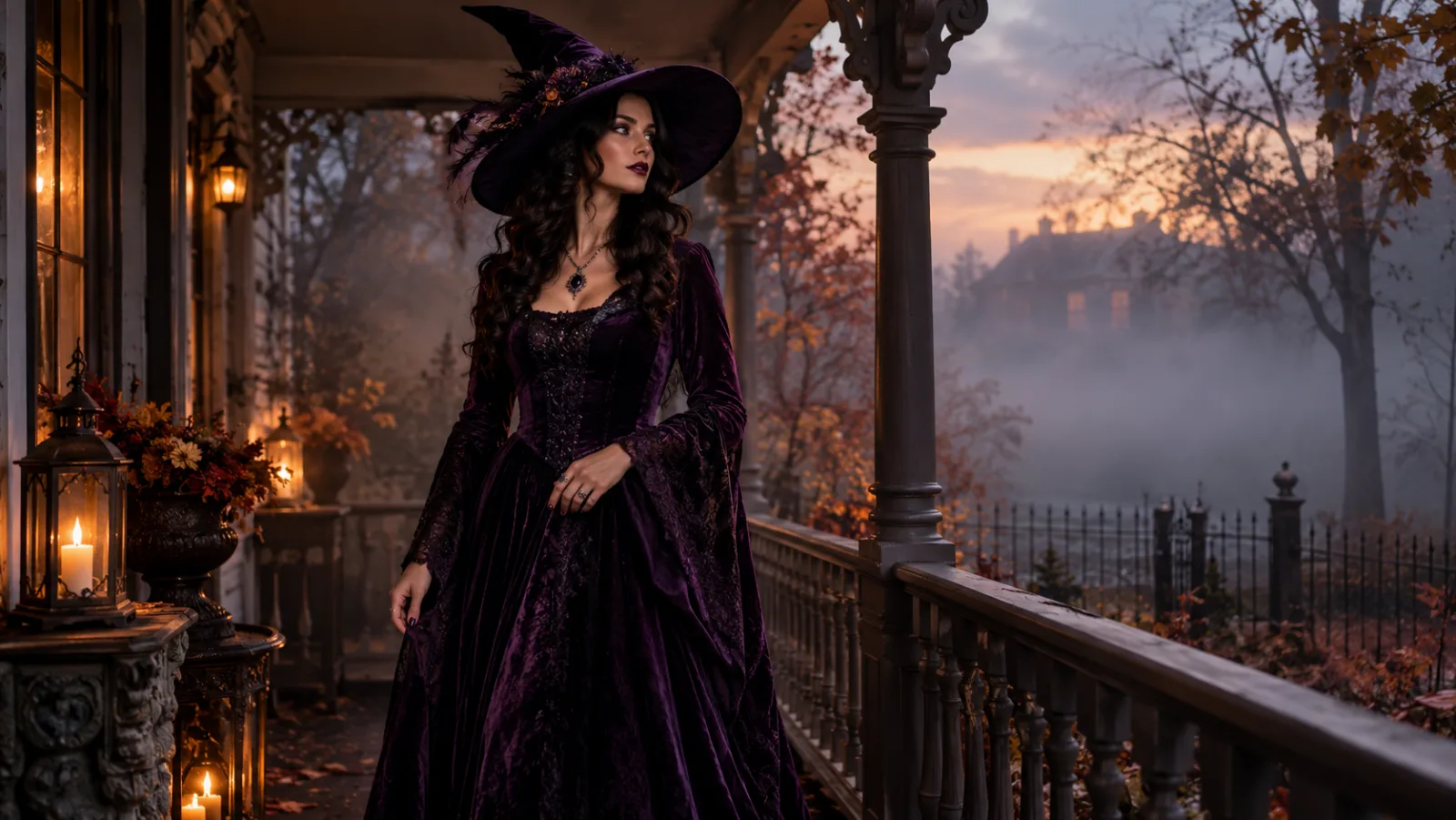
AI Halloween Costume Generator
Turn one clear selfie into a photorealistic Halloween costume portrait. Compare GPT Image 2, Nano Banana 2 and SeeDream routes, copy tested prompts, and generate.
Read the guide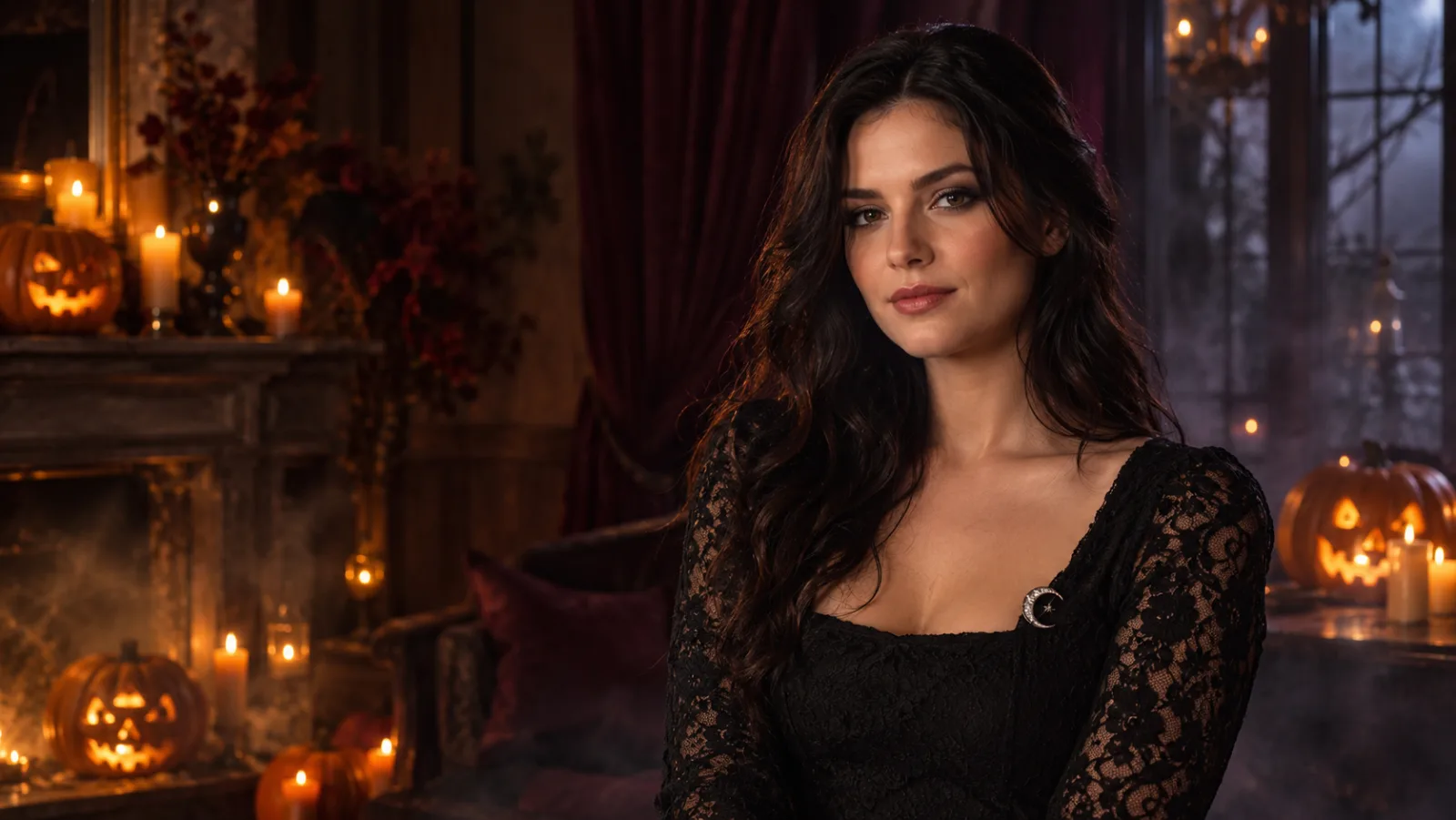
AI Halloween Photo Editor
Edit an existing photo into a Halloween portrait with new lighting, makeup and backgrounds. Learn the safest edit order, copy prompts, and choose a model.
Read the guide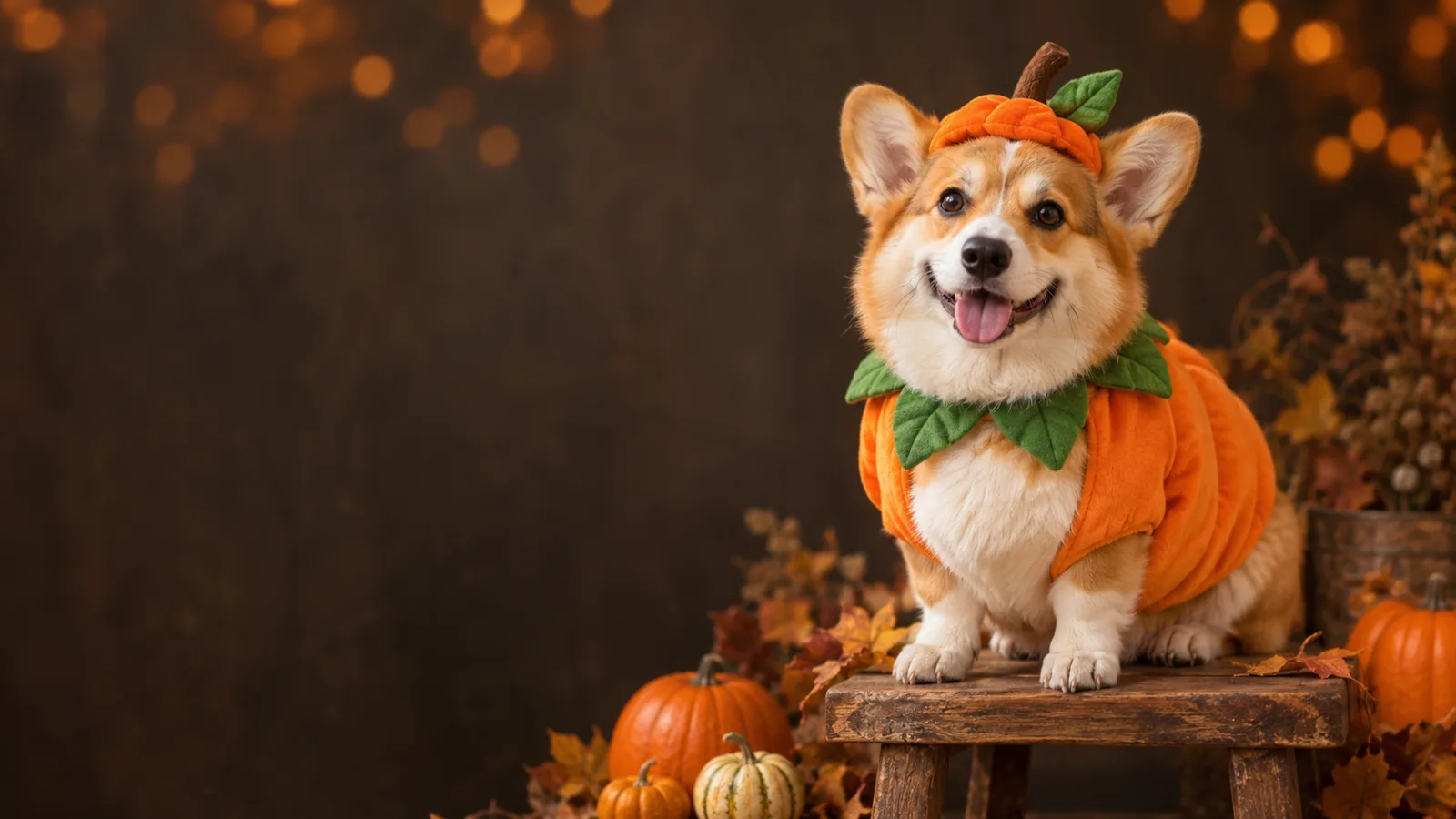
AI Halloween Pet Portrait Generator
Turn a pet photo into a Halloween portrait without changing the breed, fur or markings. Copy pet-safe costume prompts and choose the right image model.
Read the guide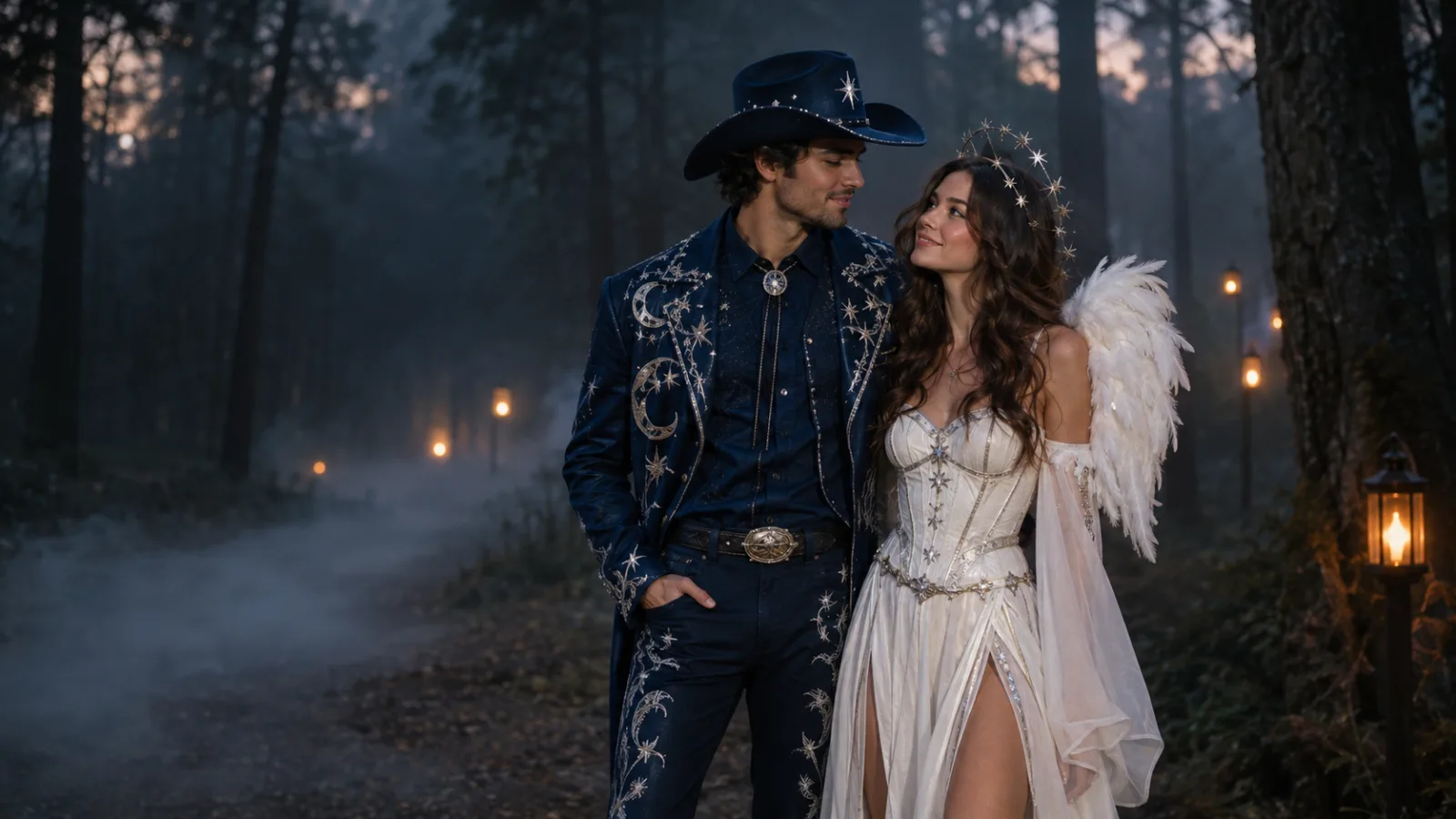
AI Halloween Couple Costume Generator
Create a coordinated Halloween couple portrait from two photos. Keep both faces consistent, avoid swapped identities, and copy a tested two-person prompt.
Read the guide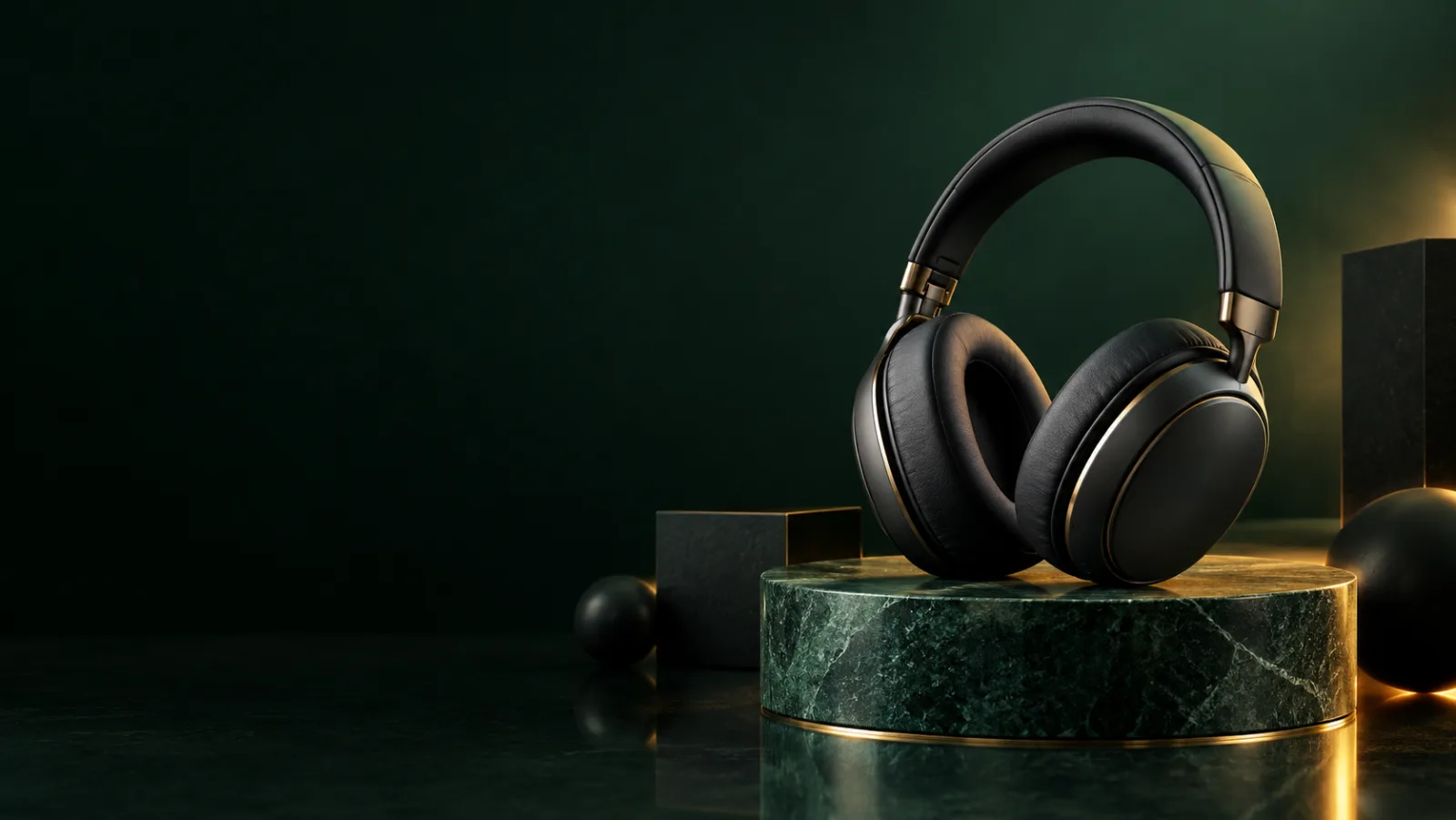
AI Black Friday Image Generator
Create Black Friday product images from your own product photo. Change the set, lighting and campaign mood without inventing a different product.
Read the guide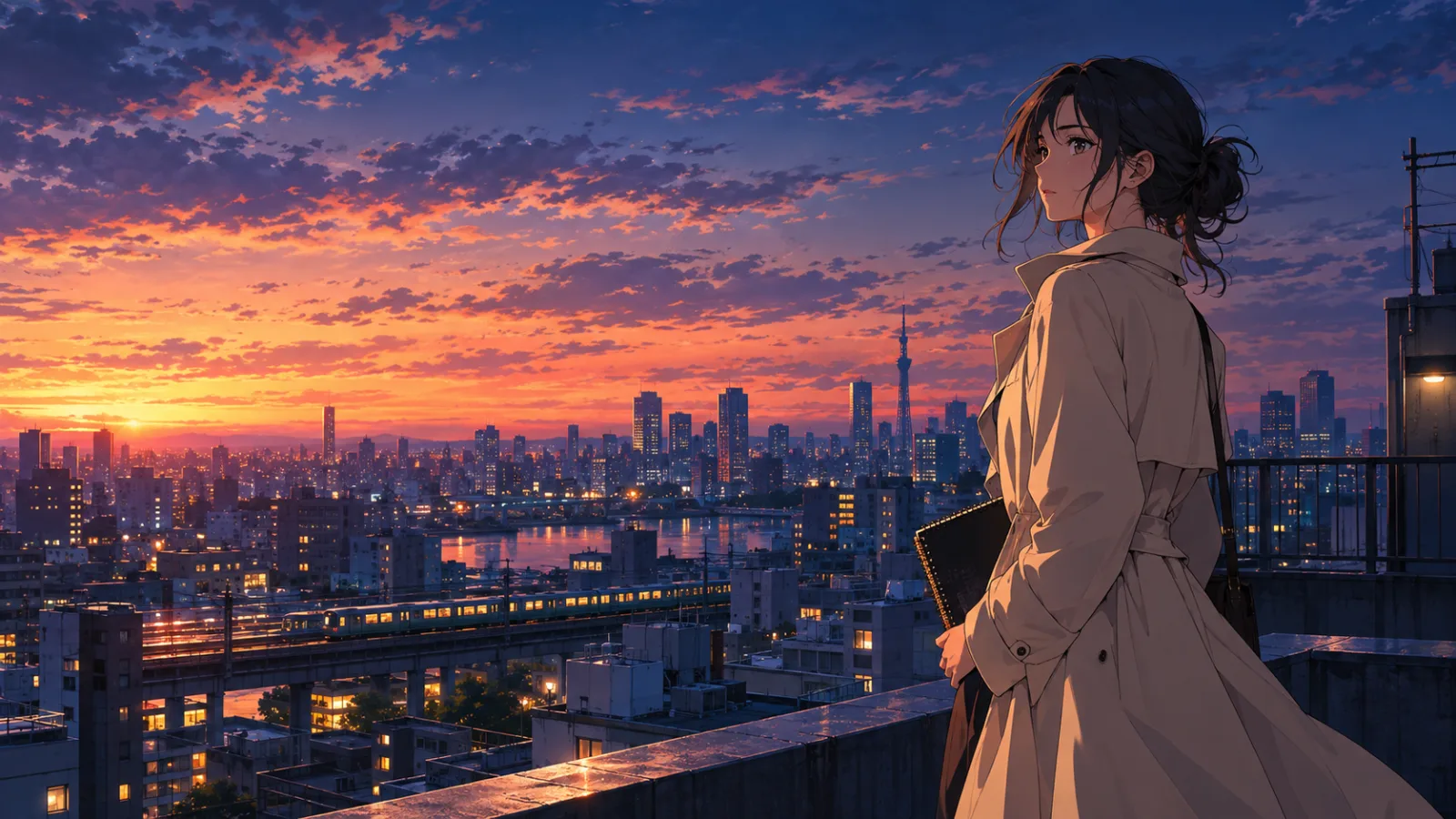
AI Anime Generator
Generate original anime-style characters and scenes from a prompt or a reference photo. Learn the style, anatomy and composition controls that keep results consistent.
Read the guide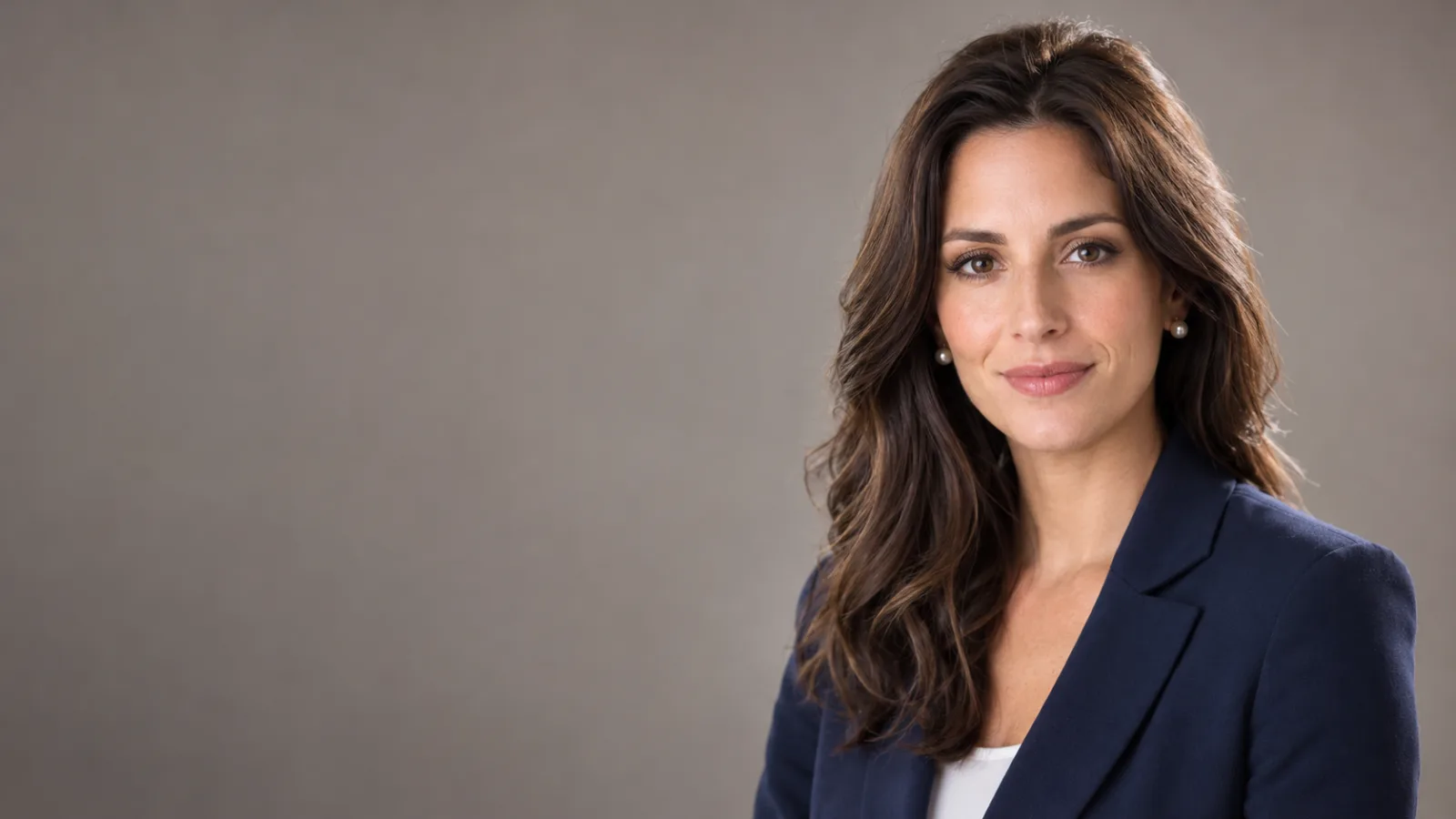
AI Headshot Generator
Turn a clear selfie into a professional headshot. Preserve identity, choose wardrobe and background, and learn which image model handles portrait edits best.
Read the guide
AI Interior Design Generator
Redesign a room from a photo or prompt. Preserve architecture, test materials and lighting, and create review-ready interior concepts without a full 3D model.
Read the guide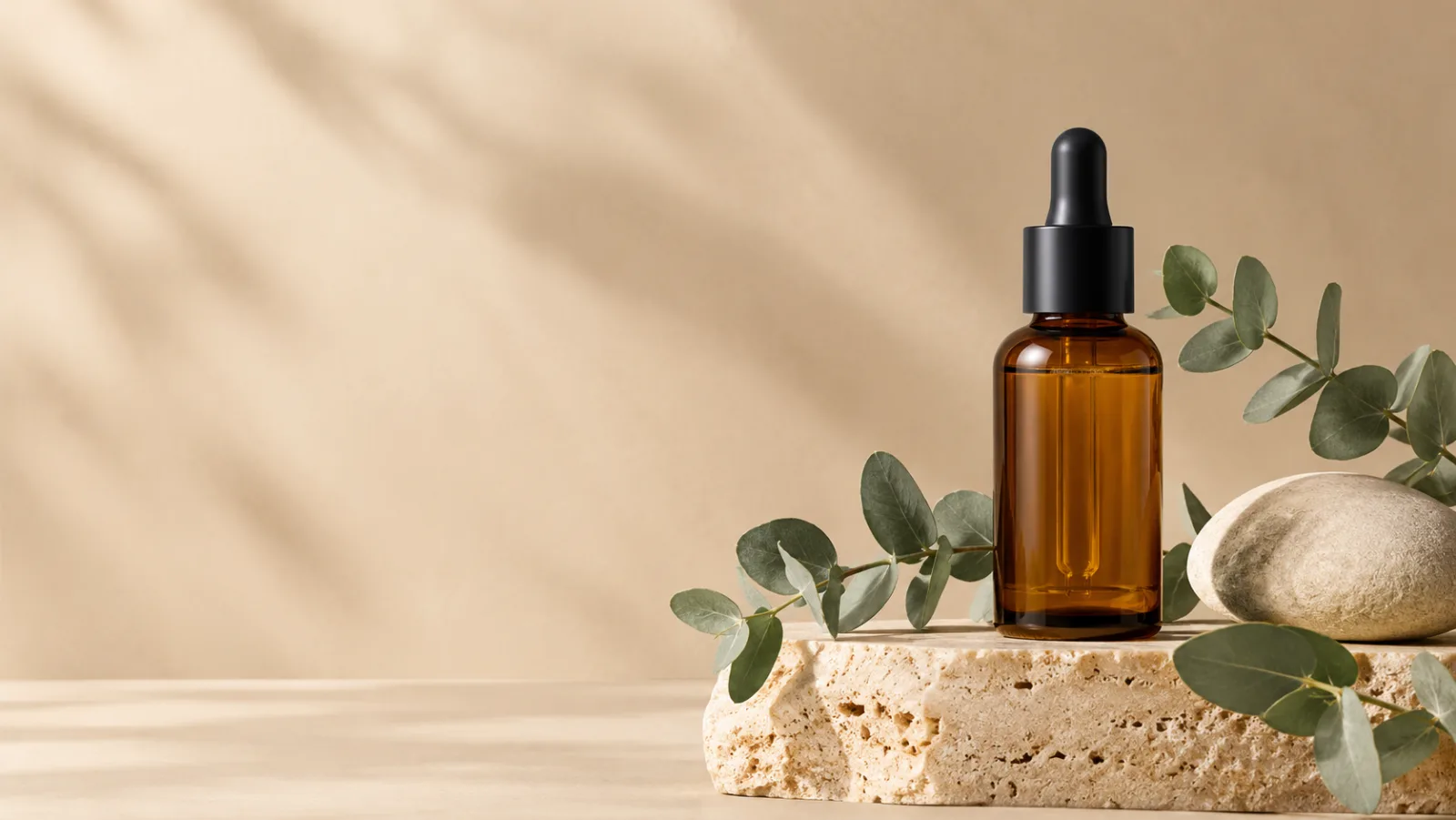
AI Product Photo Generator
Turn a product photo into a clean studio still for ecommerce, ads and email. Preserve the product, change the set and light, and avoid fake labels or claims.
Read the guideVideo workflows
AI Halloween Video Generator
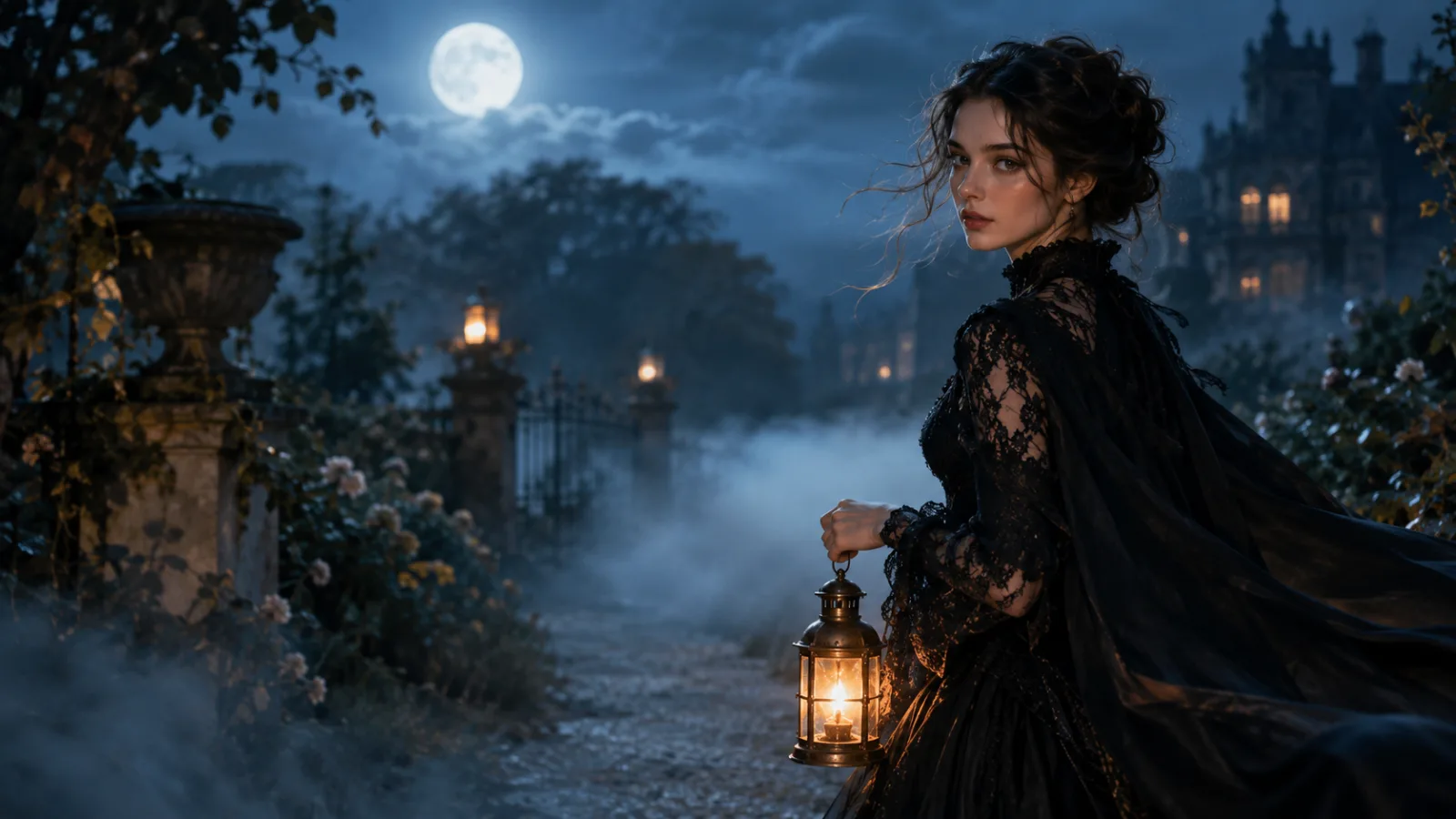
Turn a Halloween portrait into a five-second cinematic clip. Learn the motion prompts that keep faces, costumes and lighting stable, and open the video workspace.
Read the guide
AI Black Friday Video Generator
Turn a product still into a short Black Friday video ad. Keep the product geometry stable and use one camera move for a clean five-second clip.
Read the guide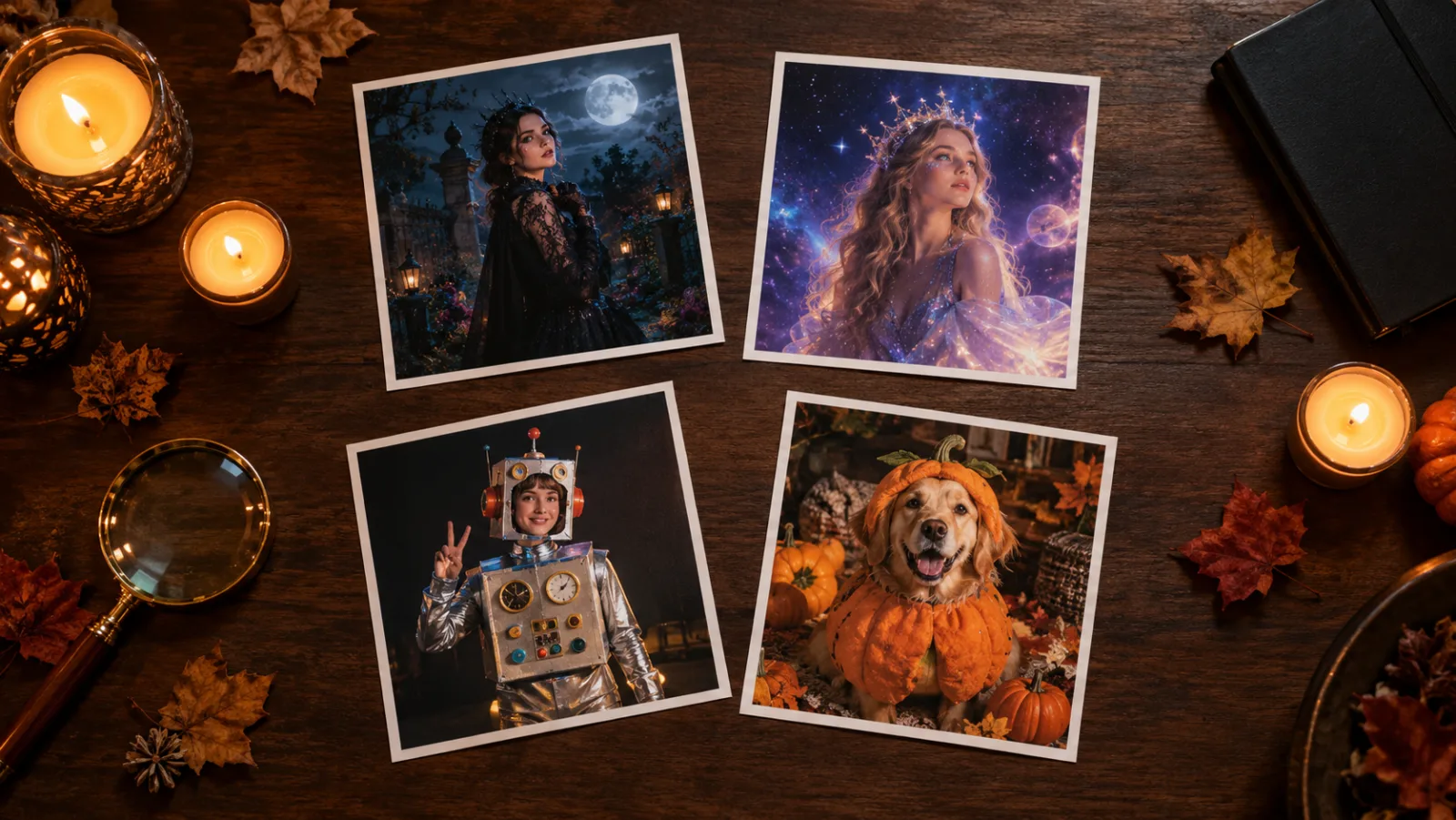
Start with the job, not the model
Pick a workflow, copy a prompt, and the generator opens with that prompt already in place.