Image workflowsUpdated Oct 20, 2026

AI Halloween Costume Generator

Upload a clear photo, describe the costume like a wardrobe brief, and generate a Halloween portrait that still looks like you. This page shows the prompts, model choices, and editing order that produce believable results.

Input
Photo + prompt
Output
Image
Model fit
Nano Banana 2
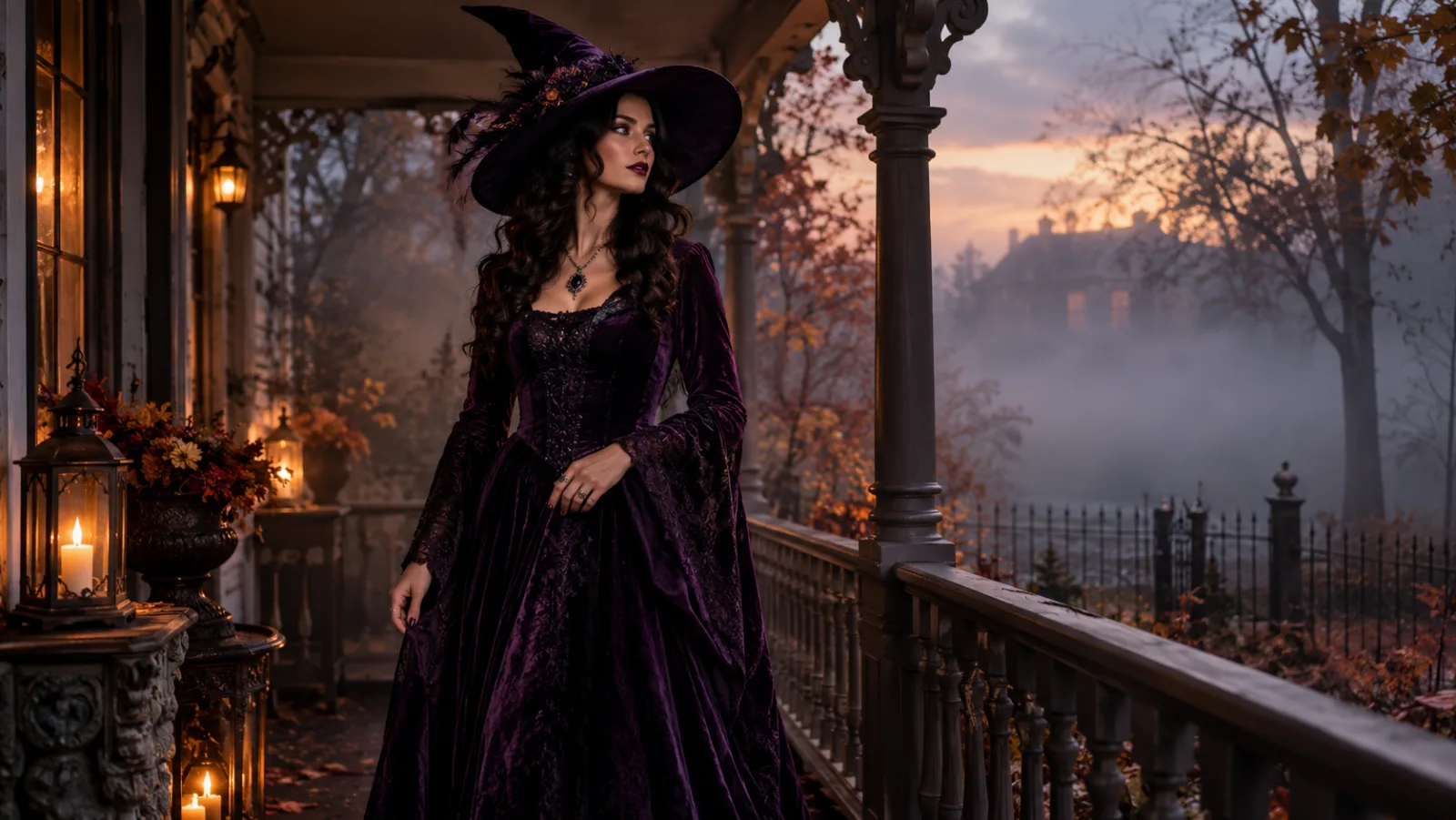
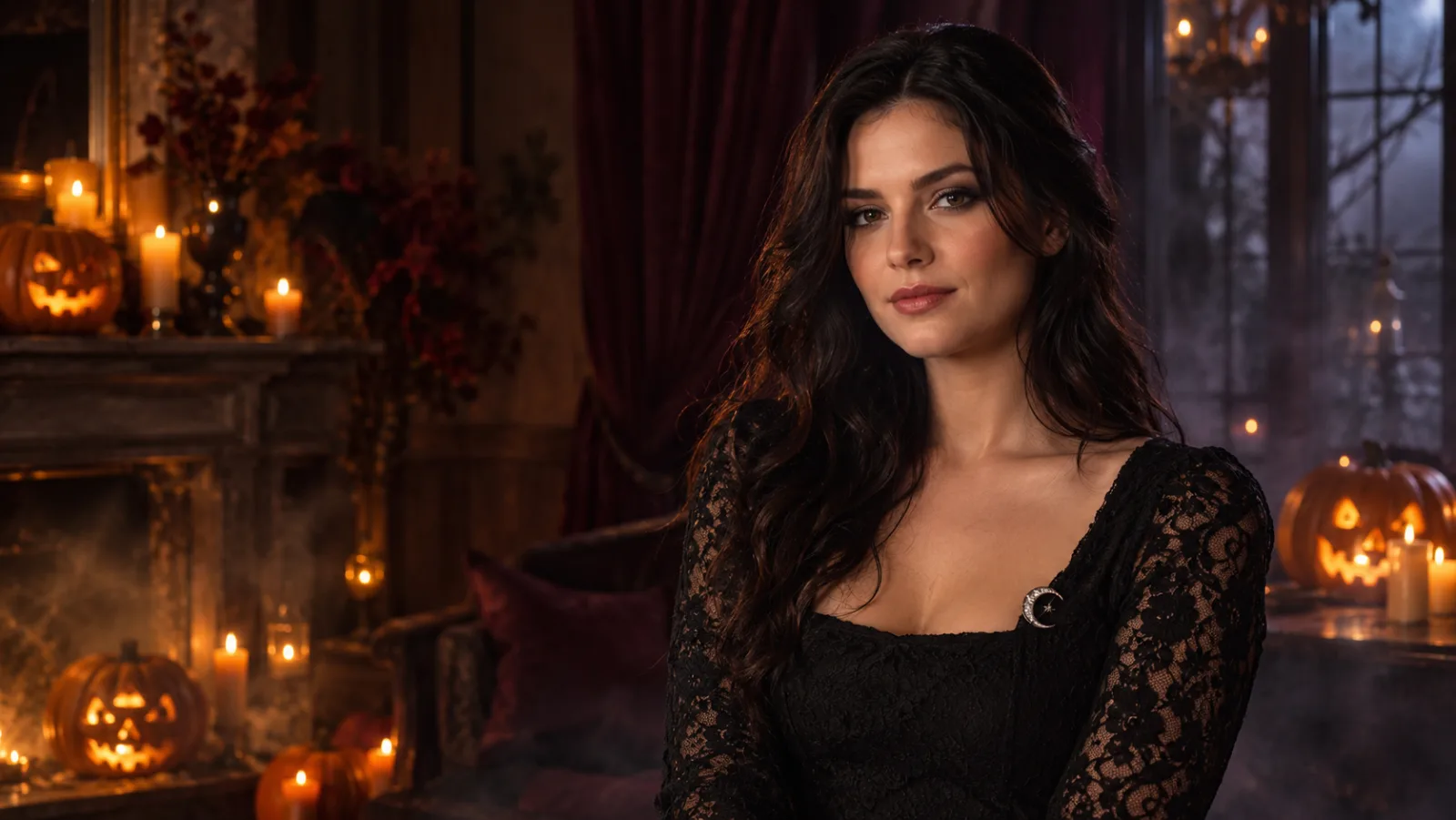
A woman in an original violet gothic witch costume standing on a foggy Victorian porch at dusk, generated with GPT Image 2.

Quick answer

The best results come from one sharp, front-facing photo, a costume description that names fabric, silhouette and accessories, and a background that matches the character. Generation uses purchased credits and usually finishes in a few minutes; there is no unlimited free tier.

Best for

  • Halloween profile photos and party invitations
  • Costume ideas before buying clothes or accessories
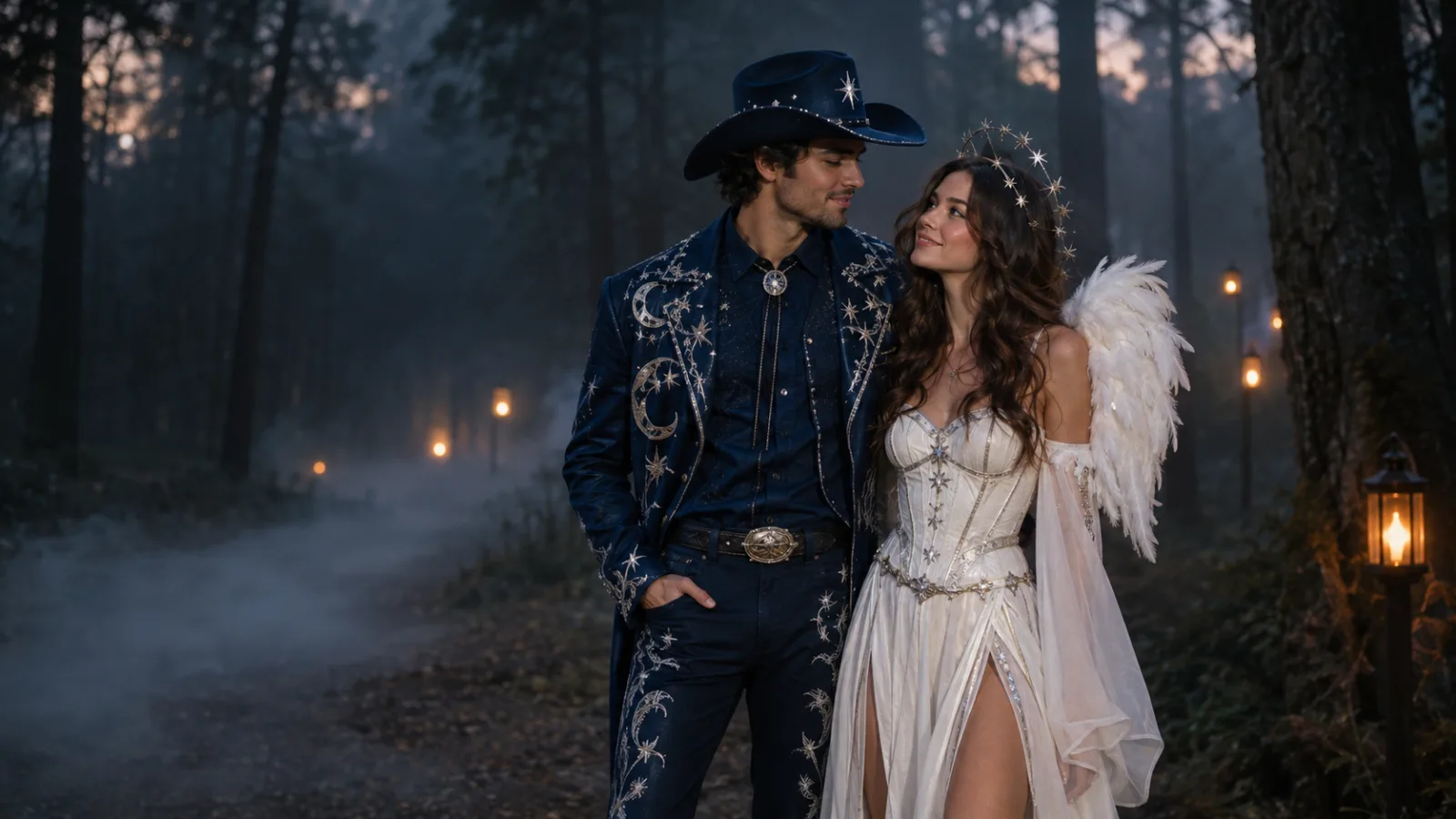
  • Couple, family and pet portrait variants
01

Start with a photo that gives the model something to keep

Identity preservation begins before the prompt. Use a recent photo with even light, a visible face, and no heavy filter. A front-facing portrait from the chest up gives the model enough information about face shape, hairline and skin tone. If you plan to keep the original pose, avoid crossed arms or hands near the face.

A second photo can help, but it should agree with the first. Two angles of the same person in similar light work better than one studio portrait and one dim party snapshot. The image editor accepts a source image for guided edits; this is an edit workflow, not a face-swap toy.

  • Use a photo at least 1024 pixels on the short edge.
  • Keep the face unobstructed and the expression natural.
  • Avoid sunglasses, extreme angles, and beauty filters that erase skin texture.
02

Describe the costume like a wardrobe brief

“Halloween witch” is a mood, not a costume. Name the garment, fabric, colour, silhouette and accessories. “Black-and-violet velvet gown with lace cuffs, silver moon brooch, wide feathered hat” gives the model decisions it can render. Add the era or fashion reference only when it helps: Victorian, 1970s glam, editorial gothic.

Keep the person’s identity outside the costume description. Say what must stay the same before saying what should change. That order matters when a model is balancing a long prompt: first lock the face, skin tone, age and pose; then replace the outfit, hair and background.

03

Match the scene to the costume

A believable costume portrait needs one coherent light source. Moonlight, candlelight and a warm porch lamp can coexist, but the prompt should say which one is doing the main work. Put the costume in a place where it makes sense: a velvet gown in a foggy garden, a robot suit in a clean studio, a pumpkin costume in a warm autumn set.

Backgrounds also control contrast. Dark foliage makes violet fabric disappear; a pale plaster wall separates a black lace dress. If the first result looks flat, change the background value or the rim light before adding more costume detail.

04

Review the result like an art director

Check the face first, then hands, then the garment’s construction. Look for extra fingers, a necklace that melts into the collar, or a hat brim that changes shape. Do not ask for a completely new image when one detail is wrong. Keep the successful parts and request a single targeted change.

A practical sequence is: approve identity, approve costume silhouette, approve background, then polish light and texture. Each pass should change one thing. This is slower than rerolling blindly, but it spends fewer credits and produces a result you can actually use.

Prompt recipes

AI Halloween Costume Generator

Open the image editor

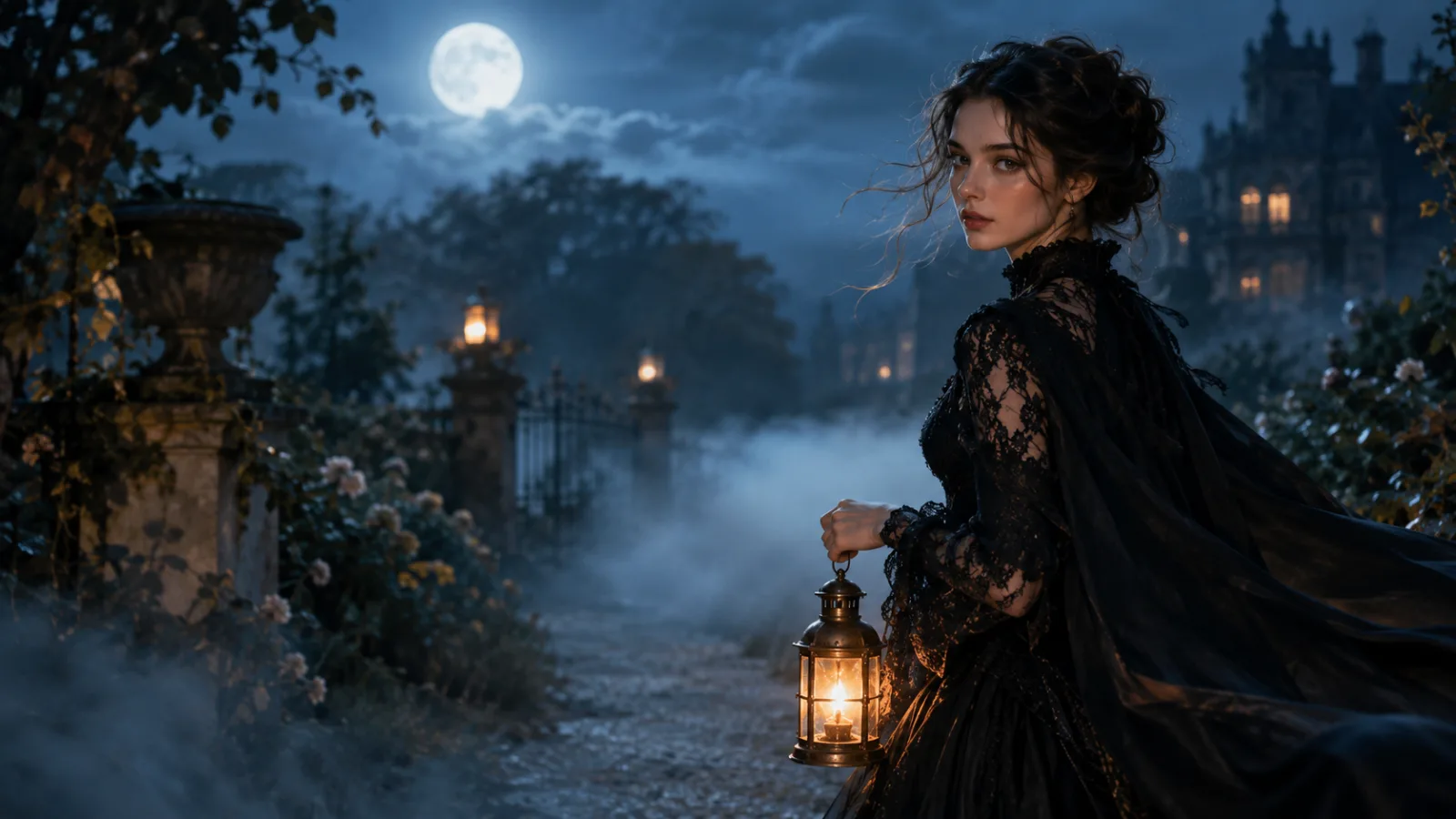
Midnight Braids

A complete edit brief: identity locks first, then hair, wardrobe, scene and output constraints.

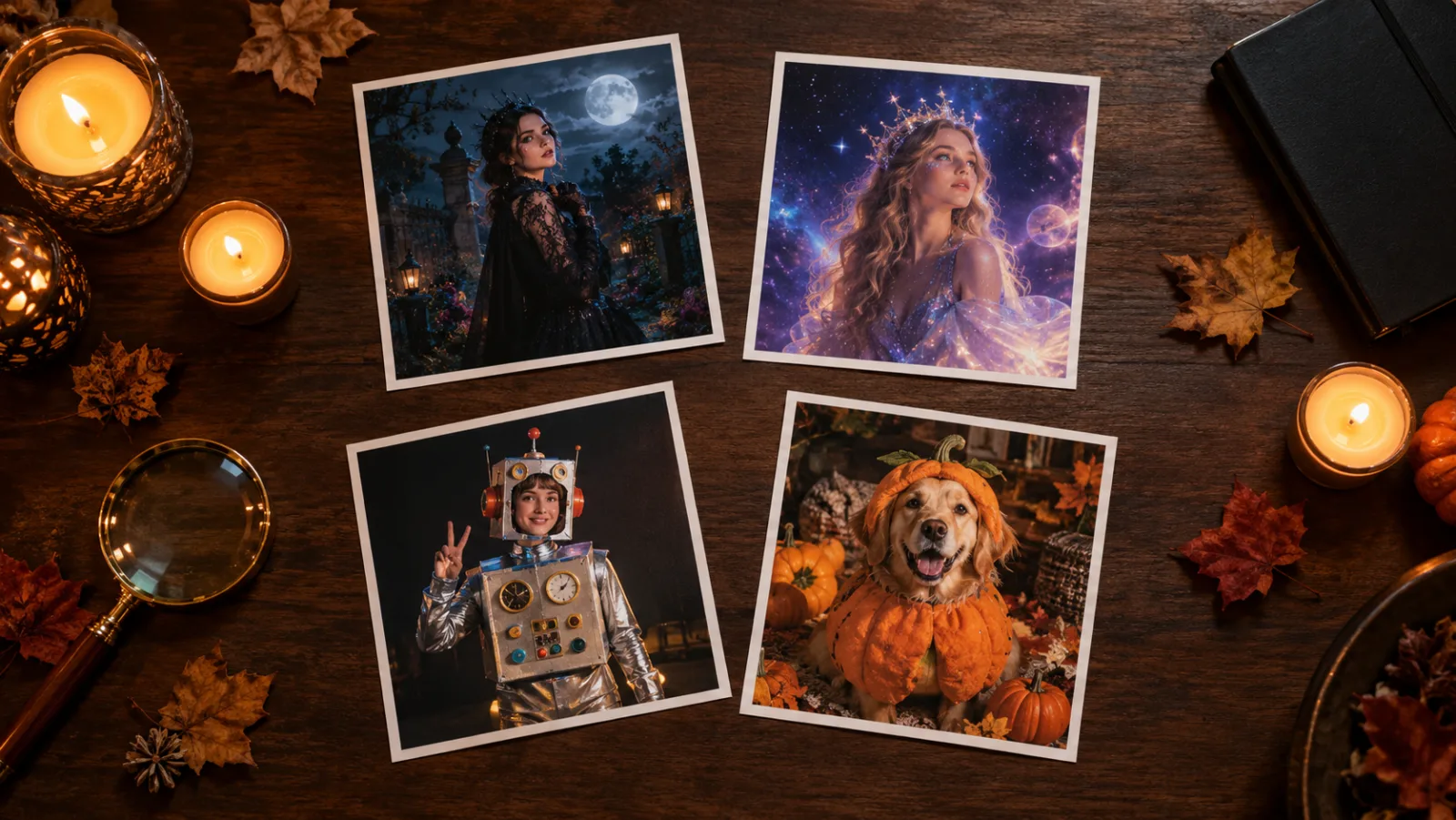
Use the uploaded photo as the primary reference. Preserve the subject’s recognizable facial identity, facial proportions, skin tone, approximate age and natural anatomy. Transform the subject into an original gothic Halloween fashion portrait. Change the hairstyle into long violet braids decorated with delicate silver hair accessories. Replace the clothing with an elegant black-and-purple velvet outfit featuring subtle lace and metallic details. Place the subject in a moonlit Victorian garden with soft fog, glowing lanterns and dark autumn foliage. Use photorealistic editorial photography, realistic fabric textures, natural skin details and cinematic soft lighting. Keep the same number of people as the uploaded photo. Avoid altered facial identity, extra limbs, duplicated fingers, distorted anatomy, text, logos and watermarks.
Use this prompt

Cosmic Princess

Best when you want a fantasy look without turning the face into a different person.

Edit the uploaded photo into an original celestial Halloween princess portrait. Preserve the subject’s recognizable face, natural skin texture, body proportions and pose. Replace the outfit with a midnight-blue fantasy gown featuring silver embroidery, softly glowing star patterns and realistic flowing fabric. Add a delicate silver moon crown and luminous accessories. Place the subject inside a moonlit observatory with a starry sky visible through tall windows. Use elegant fantasy fashion photography, realistic fabric details, cinematic rim lighting, and a deep-blue, silver and violet colour palette. Keep the person recognizable. Avoid altered facial identity, extra people, distorted anatomy, text or watermarks.
Use this prompt

Halloween Robot

A useful test of costume logic: the face stays human while the outfit becomes mechanical.

Using the uploaded photo as reference, transform the subject into a futuristic Halloween robot costume portrait. Preserve the subject’s recognizable face, skin tone, head proportions and original pose. Create a realistic wearable robot costume featuring metallic-looking armour panels, subtle blue LED accents and articulated shoulder pieces. The outfit should look like a believable costume worn by a real person, not a completely new mechanical character. Use dramatic blue-and-orange cinematic studio lighting and realistic material reflections. Do not replace the subject’s face with a robot head. Avoid extra limbs, distorted hands, duplicated body parts, logos and text.
Use this prompt

Model fit

ModelRouteUse it when
Nano Banana 2KIEFast portrait edits, identity preservation, and simple multi-reference compositions.
GPT Image 2KIEDetailed costume briefs, product surfaces, text-heavy graphics, and edits that must follow a long list of constraints.
Nano Banana ProKIEHigher-fidelity portraits, fabric detail, and scene continuity when the result needs a final polish.
SeeDream 5.0 LiteKIELow-cost drafts, clean lighting, and straightforward background or outfit changes.

FAQ

  1. 1

    Does the AI Halloween costume generator keep my face?

    Identity preservation is the goal of the image-to-image route, but no model guarantees a perfect match. Use a sharp, front-facing photo, state that the face and proportions must stay unchanged, and review the result before using it. Nano Banana 2 and GPT Image 2 are the strongest starting points for portrait edits.

  2. 2

    Is the Halloween costume generator free?

    Generation uses purchased credits. There is no unlimited free tier and new email accounts do not receive free generation credits. You can review credit packs and subscription options on the pricing page before uploading a photo.

  3. 3

    Can I generate costumes for children or pets?

    You must have permission to upload any photo, especially a child’s photo. The pet workflow is better handled by a dedicated pet prompt because animal anatomy and costume fit need different constraints. Do not use the tool to impersonate a real person or create misleading images.

  4. 4

    Why does the costume change between attempts?

    Models reinterpret garment details on every run. Keep the identity and pose block identical, then change one wardrobe detail at a time. Naming fabric and construction usually produces more stable results than naming a famous character.

  5. 5

    Can I sell an image made with this tool?

    Commercial use depends on the model provider’s terms, the plan you purchased, and the rights you have in the source photo. Review the Terms of Service and the provider’s usage terms before publishing a paid campaign.

Related workflows

Turn your photo into a costume portrait

Open the image editor in image-to-image mode, paste a tested prompt, and choose the model that fits your budget.