Image workflowsUpdated Oct 20, 2026

Halloween AI Prompts

A useful Halloween prompt is not a list of spooky words. It is a short production brief: what to keep, what to change, where the scene happens, how it is lit, and what must not appear.

Input
Prompt
Output
Image
Model fit
GPT Image 2
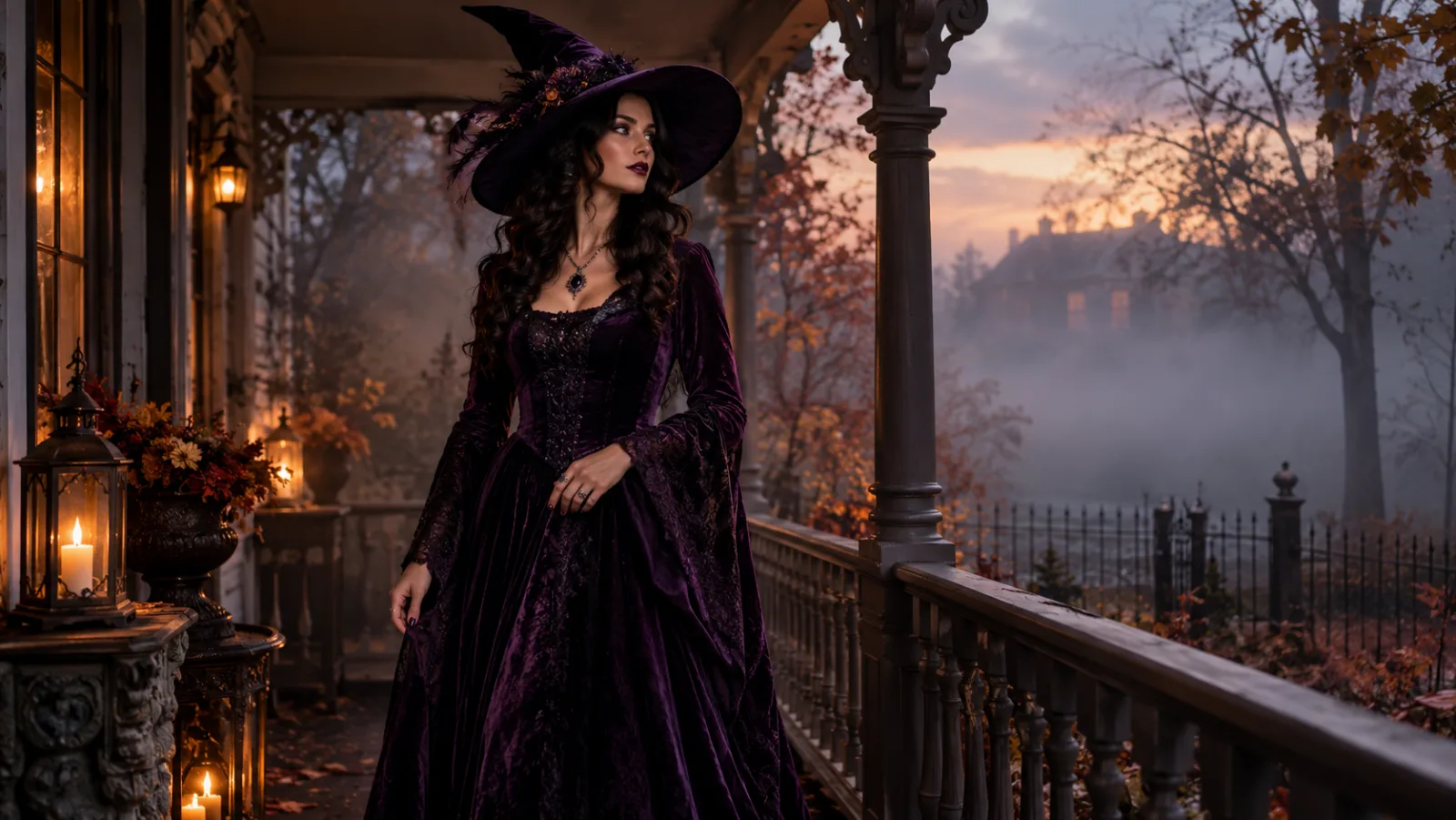
A top-down studio table with four Halloween portrait prints, candles, leaves and a magnifier, representing a curated AI prompt library.

Quick answer

Write five blocks in this order: identity lock, costume or subject, scene, light and lens, negative constraints. Keep the first block identical across attempts and change one block at a time. The prompts below are ready to copy into the image editor or another model.

Best for

  • Copy-paste starting points for image models
  • Learning why a prompt succeeds or fails
  • Adapting one look across portrait, pet and video workflows
01

A Halloween prompt has five jobs

First, protect what matters: face, age, skin tone, body proportions, pose. Second, define the subject or costume with fabric, silhouette and accessories. Third, place it in a scene. Fourth, set the light and camera language. Fifth, ban the failures you keep seeing: extra fingers, changed identity, text, logos and watermarks.

The order is not cosmetic. Models weight early instructions heavily. If “transform into a monster” appears before “keep the face recognizable”, the face becomes part of the transformation. Put the lock first.

02

Write constraints that prevent the usual failures

Negative constraints should be specific to the image. “No bad quality” does nothing. “No extra limbs, no duplicated fingers, no changed facial identity, no text, no logos, no watermark” gives the model concrete things to avoid. Add “keep the same number of people as the uploaded photo” for couple and group edits.

Do not ask for mutually exclusive things. A soft dreamy portrait and a hard horror poster can coexist, but not if you also demand documentary realism and no shadows. Choose one visual lane.

03

Adapt the same prompt to different tools

GPT Image 2 handles long, structured briefs and readable graphic elements. Nano Banana 2 is stronger on fast portrait edits and reference preservation. FLUX 2 Pro is useful for product texture and editorial finish. SeeDream 5.0 Lite is a sensible draft model when you are still deciding on a look.

For a text-only model such as Gemini or ChatGPT, remove the “uploaded photo” lines and describe the subject instead. For an image editor, keep the identity lock and upload the source. The core structure stays the same.

04

Build a small prompt library, not a giant one

A library of ten reliable prompts beats a folder of a hundred untested ones. Keep one portrait, one couple, one pet, one product and one video prompt that you have actually run. Note the model, the source photo type, the credits spent and the failure mode.

When Halloween ends, keep the same structure for Christmas, New Year and Valentine’s Day. The scene and wardrobe change; the identity lock and negative constraints do not.

Prompt recipes

Halloween AI Prompts

Open the image editor

Selfie to Gothic Portrait

A clean portrait prompt with one wardrobe idea and one location.

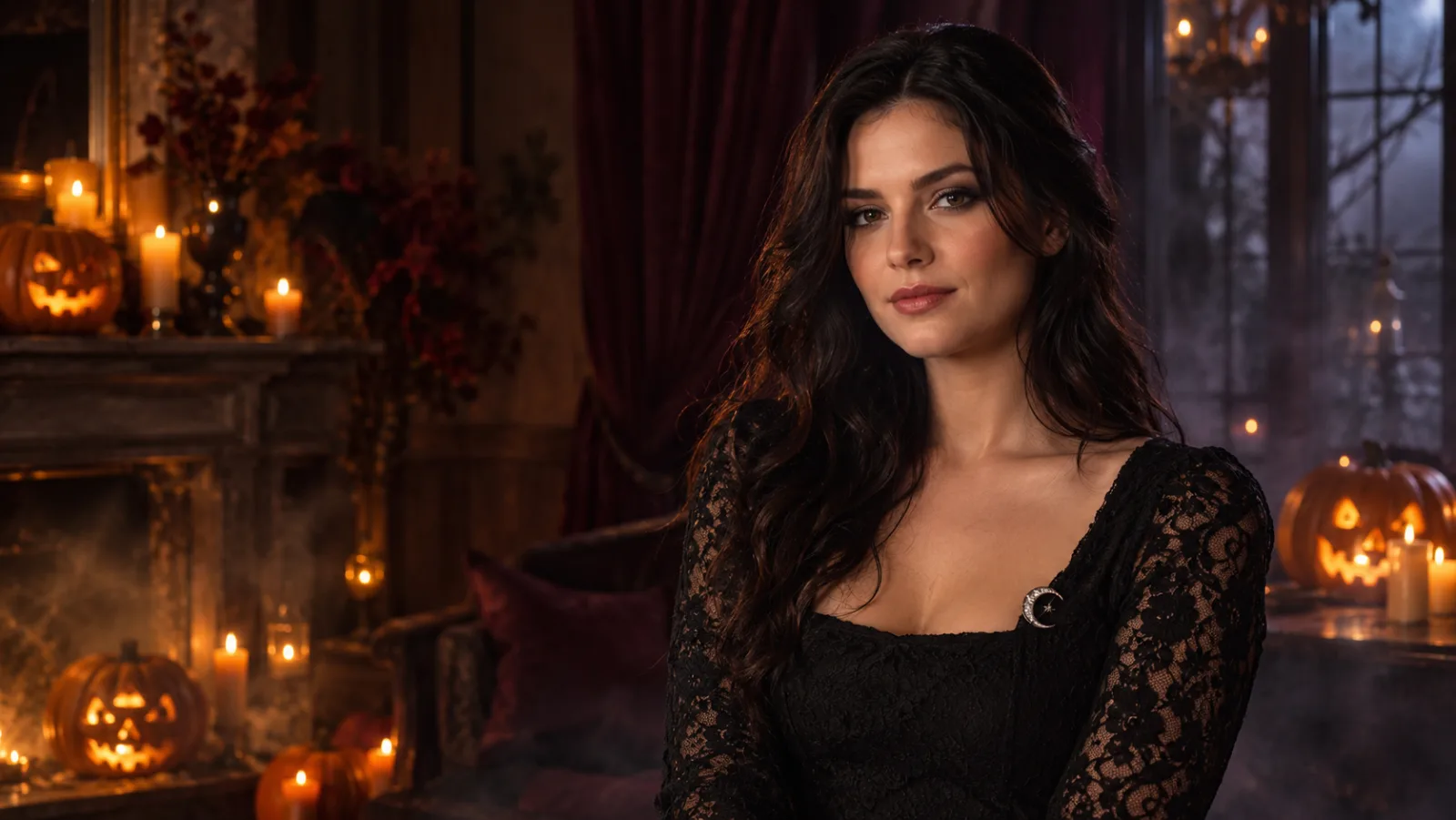
Use the uploaded photo as the identity reference. Preserve the subject’s face, skin tone, age, body proportions and pose. Create a photorealistic gothic Halloween portrait with long auburn hair, a black lace high-neck dress, a silver crescent necklace and subtle smoky makeup. Place the subject in a candlelit stone corridor with dark ivy and soft fog. Use cinematic side lighting, natural skin texture and realistic fabric detail. Keep the same number of people. Avoid changed identity, extra limbs, distorted hands, text, logos and watermarks.
Use this prompt

Pet Pumpkin Portrait

The pet version swaps the identity block from face to breed, fur and markings.

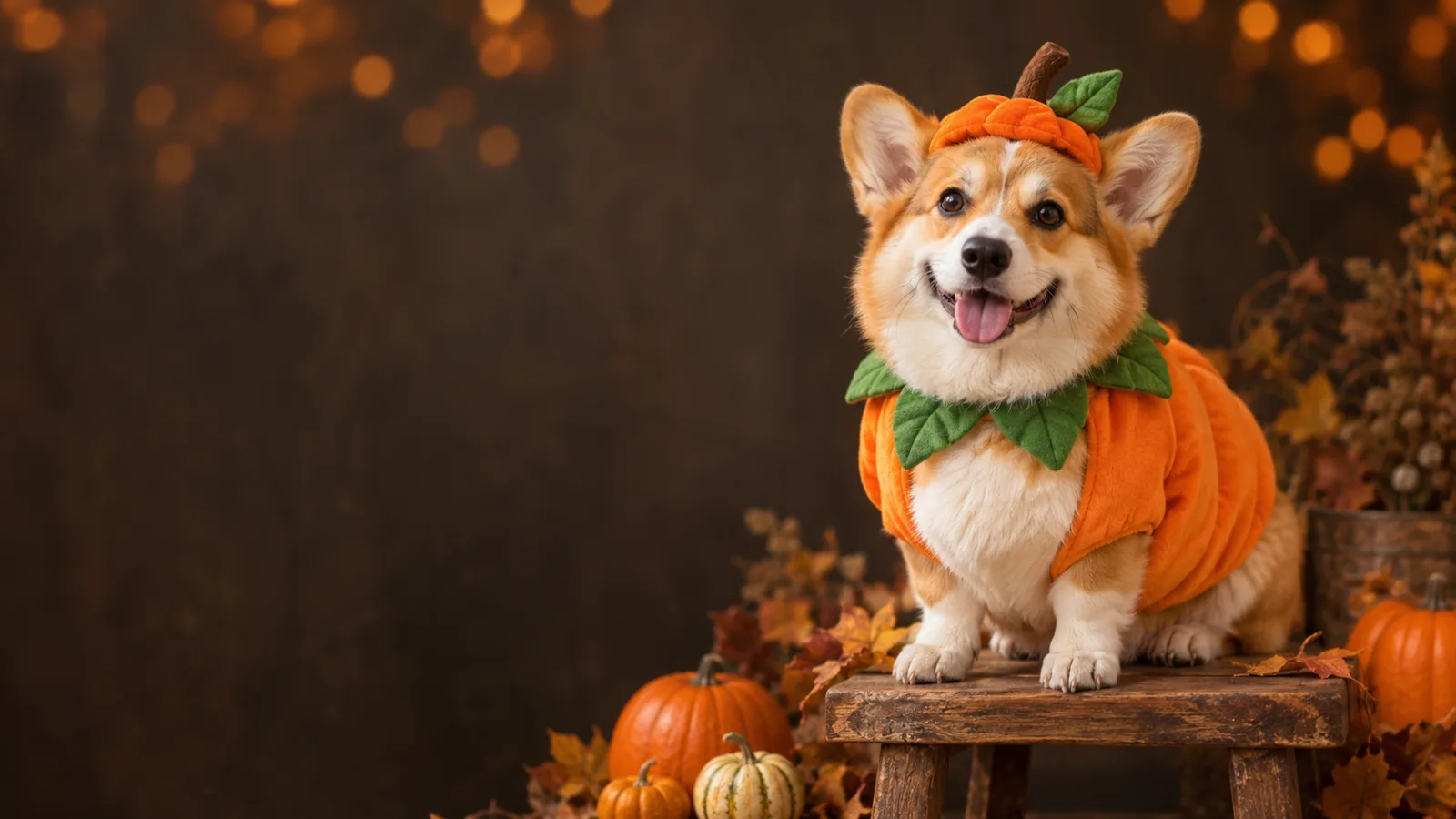
Use the uploaded pet photo as the primary reference. Preserve the animal’s breed, fur colour, markings, eye colour, facial appearance and natural anatomy. Dress the pet in a soft pumpkin-inspired costume with a small green leaf collar. Keep the costume fitted naturally without covering the eyes or changing the species. Place the pet in a cozy autumn studio with warm light and miniature pumpkins. Photorealistic professional pet portrait, realistic fur texture and natural shadows. Avoid extra animals, unnatural paws, duplicated limbs, text and watermarks.
Use this prompt

Couple Costume Portrait

Explicitly names both references and bans face swapping and extra people.

Use the two uploaded photos as separate identity references. Preserve both people’s faces, skin tones, ages and body proportions. Dress them in original coordinated Halloween costumes: one midnight-blue celestial cowboy outfit with silver embroidery, one ivory and silver angel-inspired outfit with soft feathered shoulders. Place them on a foggy forest path at twilight with warm lanterns. Cinematic editorial photography, realistic fabric, natural poses, exactly two people. Do not swap faces, add a third person, distort hands, add text, logos or watermarks.
Use this prompt

Five-Second Halloween Motion

A motion prompt for the video workspace, not a still-image prompt.

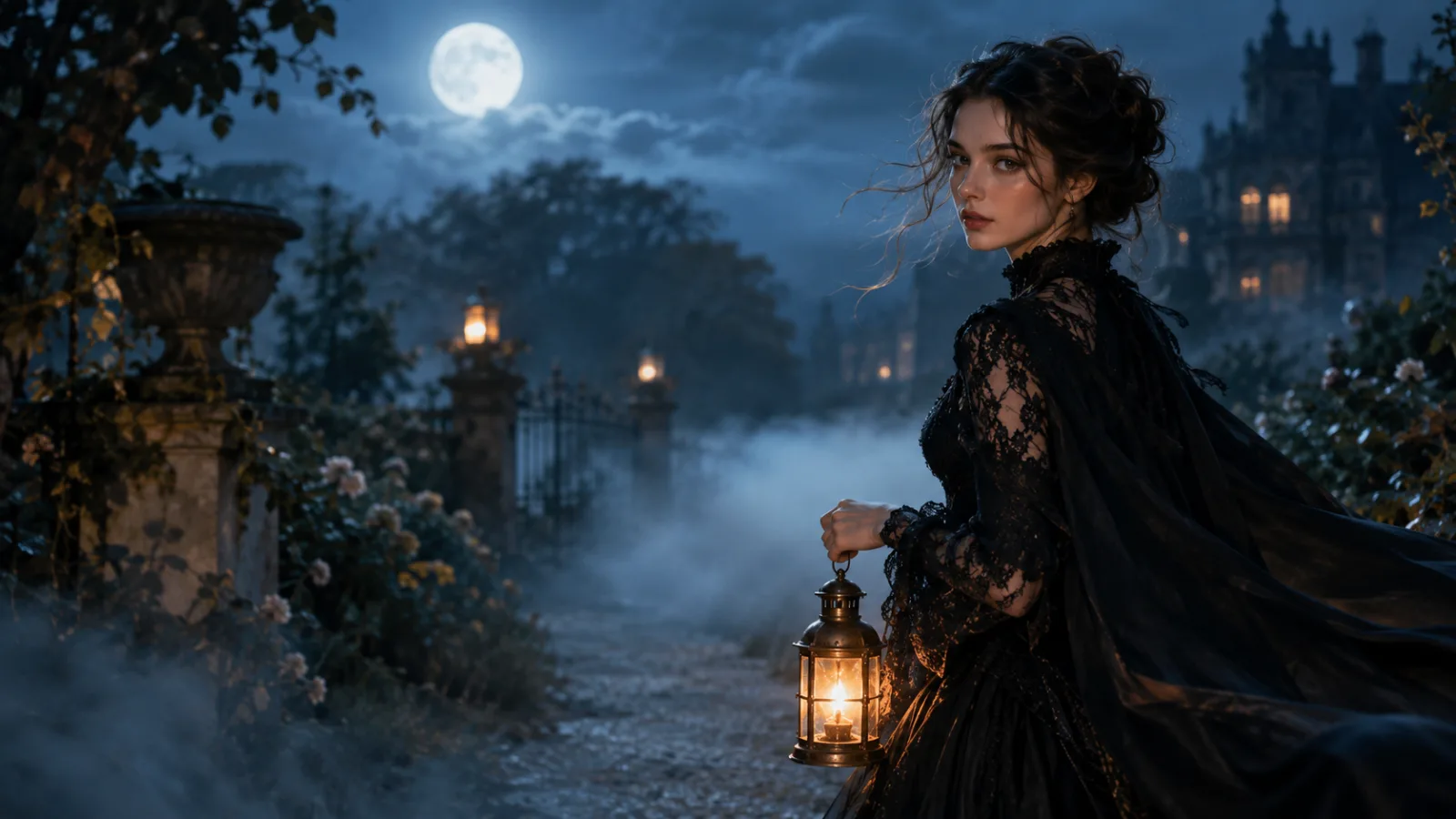
Use the provided image as the exact starting frame. Create a continuous five-second cinematic Halloween portrait animation. Keep the subject’s face, costume, hairstyle and body proportions consistent. The subject slowly turns their head toward the camera with a calm mysterious expression. A gentle breeze moves loose hair strands and the edge of the clothing. Soft fog drifts through the moonlit garden. The camera performs a slow smooth push-in. Maintain realistic motion, stable anatomy and consistent lighting. Do not change identity, replace the costume, add characters, cut the scene, add text or watermarks.
Use this prompt

Model fit

ModelRouteUse it when
GPT Image 2KIEDetailed costume briefs, product surfaces, text-heavy graphics, and edits that must follow a long list of constraints.
Nano Banana 2KIEFast portrait edits, identity preservation, and simple multi-reference compositions.
FLUX 2 ProKIEEditorial texture, product materials, and targeted local edits with a premium finish.
SeeDream 5.0 LiteKIELow-cost drafts, clean lighting, and straightforward background or outfit changes.

FAQ

  1. 1

    Can I use these Halloween prompts with ChatGPT or Gemini?

    Yes. For a text-only chat model, remove the uploaded-photo lines and describe the person instead. For an image model, keep the identity lock and upload a reference. The five-block structure works across tools even when the wording changes.

  2. 2

    How long should a Halloween prompt be?

    Long enough to name the subject, wardrobe, scene, light and constraints, but not so long that competing details cancel each other. Most of the prompts here are 80 to 180 words. Start there, then add one detail at a time.

  3. 3

    Why do prompts with famous characters fail?

    Models may refuse, distort, or produce an inconsistent interpretation of a copyrighted character. Describe the visual traits instead: silhouette, colours, materials, role and mood. You will get a more original and more controllable result.

  4. 4

    Do I need to pay to use these prompts?

    The prompts themselves are free to read and copy. Running them in the hosted image or video workspace uses purchased credits. There is no unlimited free generation tier.

  5. 5

    What should I change first when a result is wrong?

    If identity is wrong, shorten the edit and strengthen the lock. If the costume is wrong, add fabric and construction detail. If the mood is wrong, change the light and background before adding more objects.

Related workflows

Paste a prompt into the image editor

Open text-to-image for a new concept, or image-to-image when you already have a photo to preserve.