自拍变哥特人像
一个干净的起点:一个服装方向 + 一个场景。
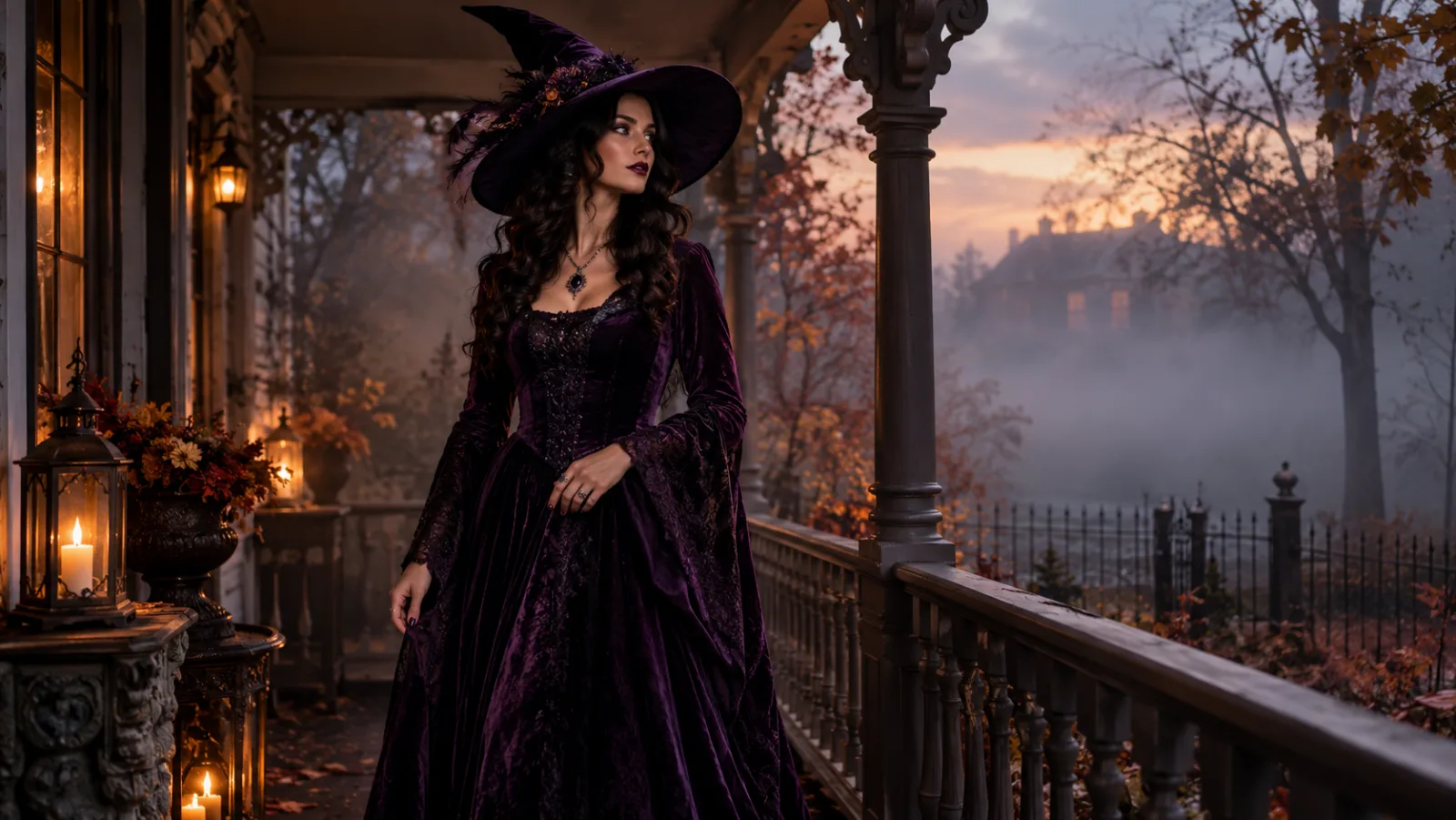
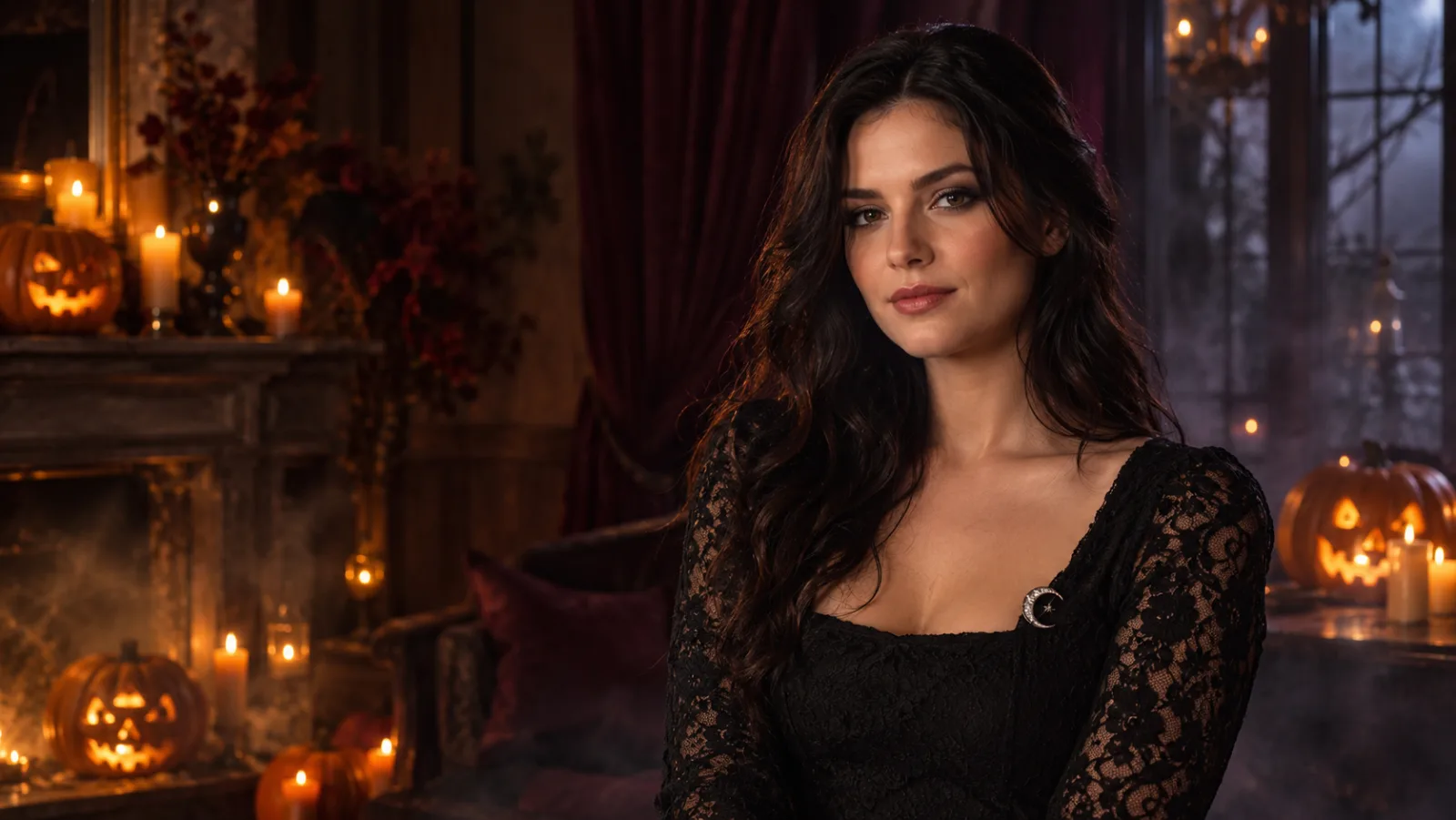
Use the uploaded photo as the identity reference. Preserve the subject’s face, skin tone, age, body proportions and pose. Create a photorealistic gothic Halloween portrait with long auburn hair, a black lace high-neck dress, a silver crescent necklace and subtle smoky makeup. Place the subject in a candlelit stone corridor with dark ivy and soft fog. Use cinematic side lighting, natural skin texture and realistic fabric detail. Keep the same number of people. Avoid changed identity, extra limbs, distorted hands, text, logos and watermarks.
宠物南瓜肖像
宠物版把身份锁定换成品种、毛色和花纹。
Use the uploaded pet photo as the primary reference. Preserve the animal’s breed, fur colour, markings, eye colour, facial appearance and natural anatomy. Dress the pet in a soft pumpkin-inspired costume with a small green leaf collar. Keep the costume fitted naturally without covering the eyes or changing the species. Place the pet in a cozy autumn studio with warm light and miniature pumpkins. Photorealistic professional pet portrait, realistic fur texture and natural shadows. Avoid extra animals, unnatural paws, duplicated limbs, text and watermarks.
情侣造型合照
明确两张参考图,并禁止换脸和增加第三个人。
Use the two uploaded photos as separate identity references. Preserve both people’s faces, skin tones, ages and body proportions. Dress them in original coordinated Halloween costumes: one midnight-blue celestial cowboy outfit with silver embroidery, one ivory and silver angel-inspired outfit with soft feathered shoulders. Place them on a foggy forest path at twilight with warm lanterns. Cinematic editorial photography, realistic fabric, natural poses, exactly two people. Do not swap faces, add a third person, distort hands, add text, logos or watermarks.
五秒万圣节动态
这是视频工作台的动态提示词,不是静态图片提示词。
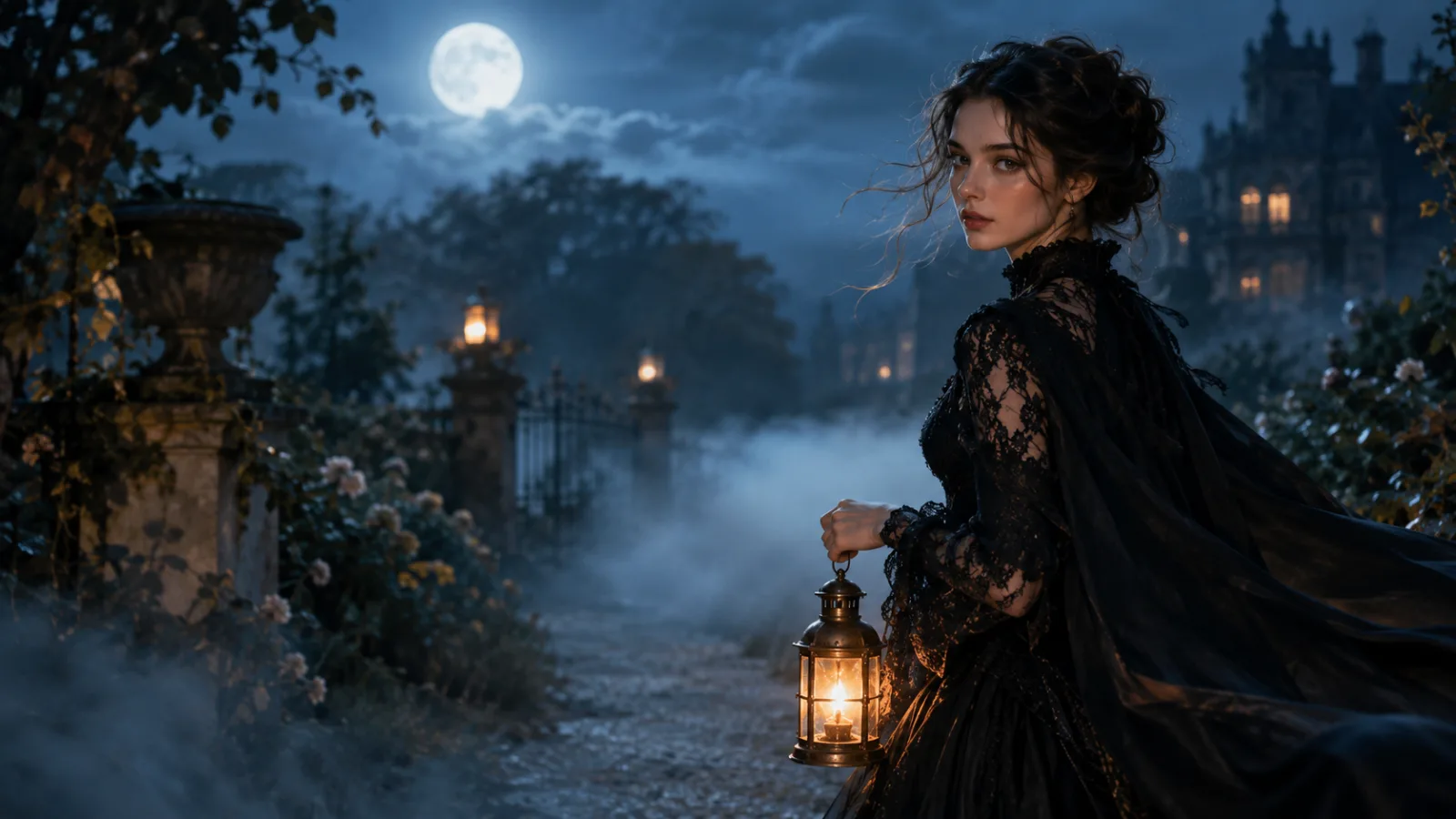
Use the provided image as the exact starting frame. Create a continuous five-second cinematic Halloween portrait animation. Keep the subject’s face, costume, hairstyle and body proportions consistent. The subject slowly turns their head toward the camera with a calm mysterious expression. A gentle breeze moves loose hair strands and the edge of the clothing. Soft fog drifts through the moonlit garden. The camera performs a slow smooth push-in. Maintain realistic motion, stable anatomy and consistent lighting. Do not change identity, replace the costume, add characters, cut the scene, add text or watermarks.