跳到主要内容
图片工作流更新于 2026/10/20

AI 万圣节照片编辑器

不是每个万圣节创意都需要整套换装。这个工作流改的是照片里的光线、妆容、背景和氛围,人物仍然要像本人。

输入
Photo + prompt
输出
Image
模型选择
Nano Banana 2
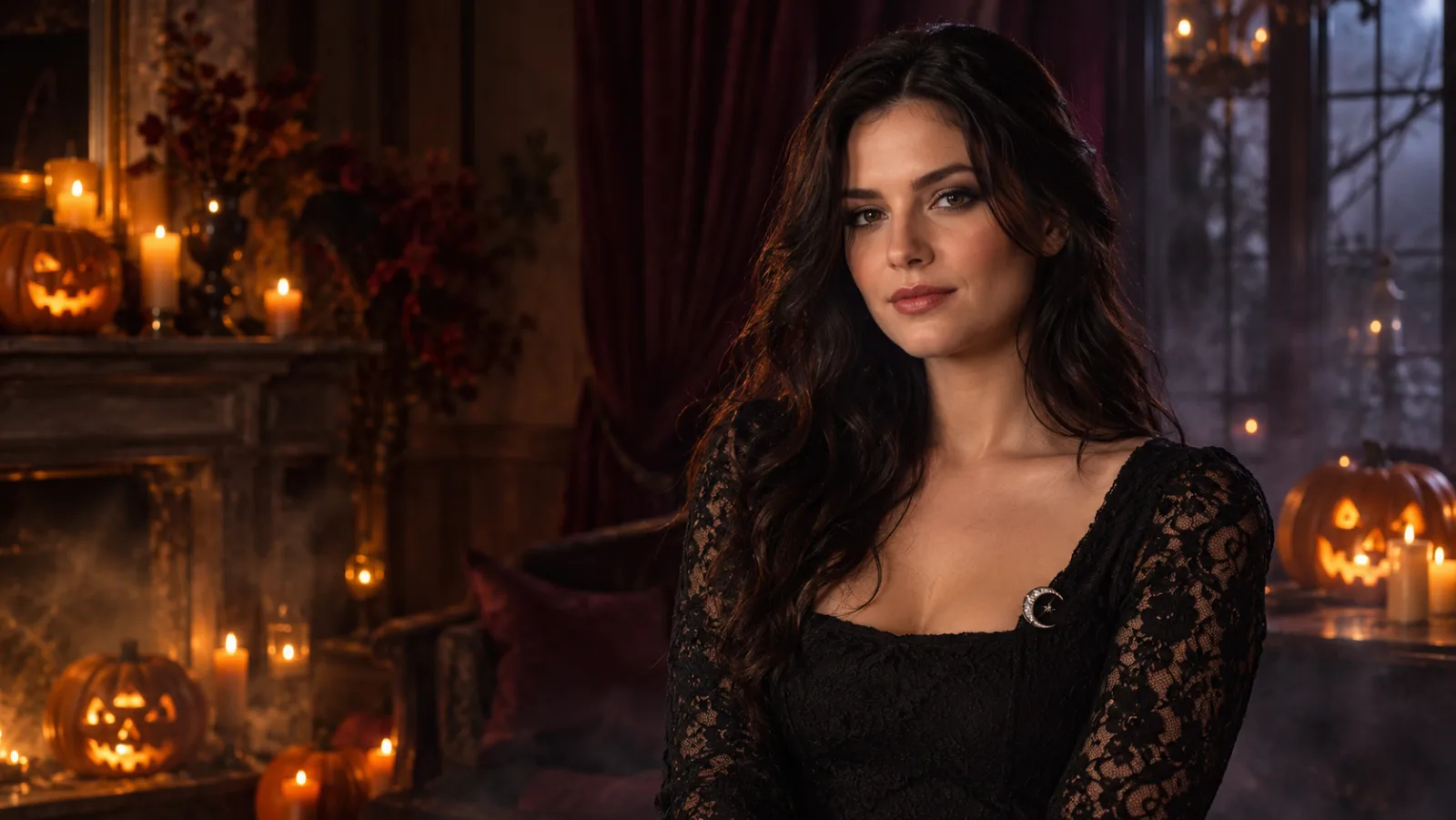
一张氛围感万圣节人像,暖色南瓜灯与黑色蕾丝形成对比,展示 AI 修图可以完成的背景和妆容调整。

快速回答

用图生图,只描述“能讲清故事的最小改动”,并把脸、姿势和身体比例锁住。决定万圣节氛围的是背景、光线和色调,而不是堆满南瓜和蝙蝠。

适合

  • 把普通头像改成万圣节社交照片
  • 把房间改成鬼屋或古堡场景
  • 增加戏剧化妆容但保留皮肤质感
01

改照片,不要改人

万圣节修图最容易翻车的地方,是脸不像原图。先把不能变的东西写清楚:五官、年龄、肤色、身体比例和姿势。然后再写要改什么。顺序反了,模型会把脸也当成服装的一部分。

裁切范围要匹配目标。紧凑头像不适合做全身换装,因为模型要凭空补出大部分身体。只改妆容和灯光时用半身照;要改场景时再用更完整的照片。

02

选一个能讲清故事的最小改动

一盏暖灯、一面更暗的墙、几个南瓜就够了。观众先通过色调和光线感受到万圣节,然后才会去数道具。让提示词负责琥珀色实景灯、深阴影、冷月光或薄雾,剩下的交给环境。

原背景很乱时,替换比继续加东西更有效。干净的维多利亚客厅、雾中小路或深色影棚背景能让主体更突出。好的修图经常是在做减法。

03

要戏剧妆容,不要塑料皮肤

用模型能理解的化妆语言:烟熏眼、深莓色唇、银色高光、轻微假血、瓷裂效果。结果太像磨皮时,加上“natural skin texture”和“visible pores”。想做怪物妆,要求“prosthetic pieces”,不要让模型直接把脸换掉。

恐怖感靠对比,不是靠全黑。一个暖色主光配一个冷色补光就能拉开层次。不要同时堆五种灯色,脸会变脏,服装细节也会丢。

04

一套可重复的修改顺序

第一轮:人物身份和裁切。第二轮:背景和灯光。第三轮:妆容和小道具。第四轮:材质与调色。每一轮结束都检查手、首饰、发丝边缘,以及人物和背景交界处。

结果接近时,保存它,只做一个定点修正。脸漂了,就降低改动幅度并重复身份锁定;脸对但背景不对,就保留脸,只替换环境。

提示词配方

AI 万圣节照片编辑器

打开图片编辑器

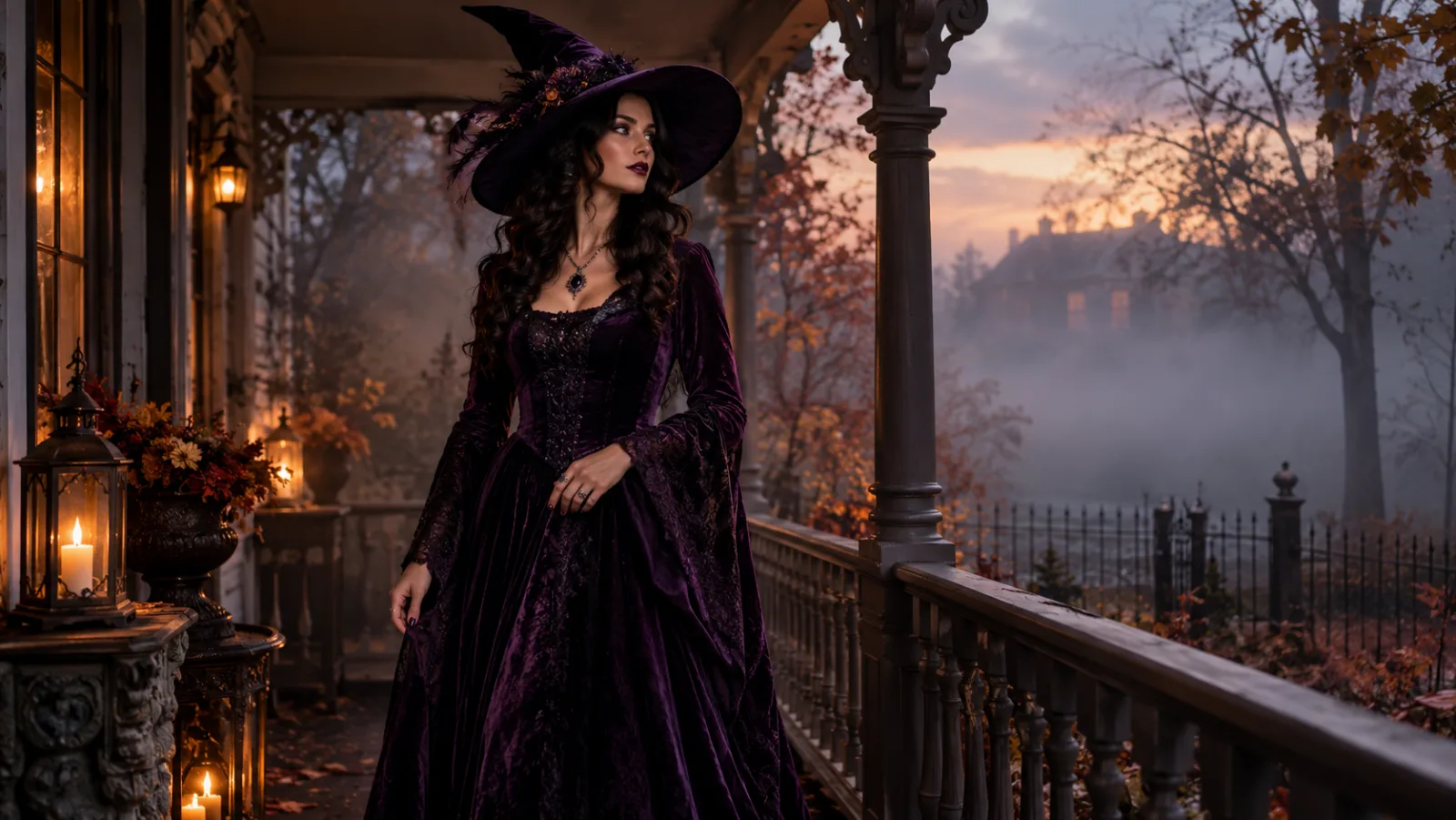
鬼屋客厅

以背景为主、人物几乎不动的安全改法。

Use the uploaded portrait as the exact identity reference. Keep the subject’s face, skin tone, age, body proportions and pose unchanged. Replace only the background and lighting: transform the room into an elegant haunted Victorian parlour with dark burgundy drapes, carved pumpkins, warm candlelight and a thin layer of floor haze. Add subtle smoky eye makeup and a deep berry lip while preserving natural skin texture and visible pores. Cinematic amber key light from the left, cool shadow fill from the right, photorealistic editorial portrait. Do not change the person’s identity, add people, distort hands, add text, logos or watermarks.
用这条提示词

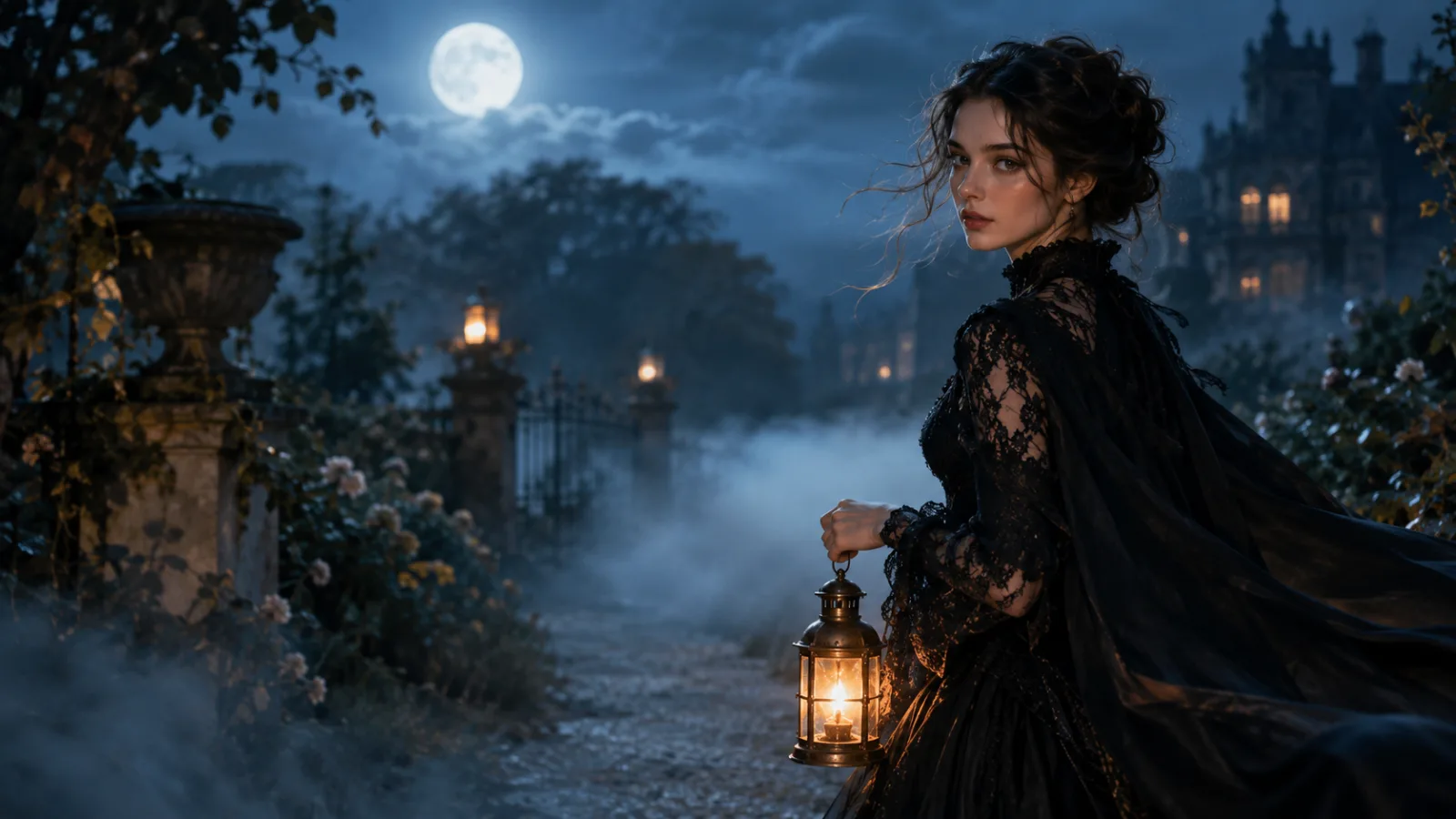
月光花园

适合安静、氛围感强的结果,而不是惊吓型海报。

Edit the uploaded photo into a moonlit garden portrait. Preserve the subject’s recognizable face, natural skin, age and pose. Change the environment to an old stone garden at night with soft fog, dark ivy, a distant iron gate and one warm lantern. Use cool blue moonlight as the main light and a subtle warm rim light on the hair and shoulders. Add delicate silver jewellery and a faint moonlit sheen to the skin without changing the face. Photorealistic, cinematic, realistic fabric and hair detail. Avoid extra people, changed identity, plastic skin, text and watermarks.
用这条提示词

复古恐怖电影

主要是改色调、颗粒和质感,不靠大改内容。

Turn the uploaded portrait into a 1970s horror-film still while keeping the person fully recognizable. Preserve facial identity, skin tone, age and pose. Add soft theatrical makeup, slightly smudged eyeliner and a dark velvet collar. Use warm tungsten light, gentle film grain, halation around highlights and a muted teal-and-amber grade. Background: a shadowed wood-panelled room with one practical lamp. Keep anatomy natural and fabric believable. No text, no logos, no watermark, no extra characters, no modern smartphone look.
用这条提示词

模型选择

模型通道什么时候用
Nano Banana 2KIE快速人像编辑、人物身份保持,以及简单的多图参考合成。
GPT Image 2KIE复杂服装说明、产品材质、带文字图形,以及需要严格遵循长指令的图片编辑。
Nano Banana ProKIE更高精度的人像、服装质感与场景连贯性,适合最终精修。
SeeDream 5.0 LiteKIE低成本草稿、干净光线,以及直接的背景或服装替换。

常见问题

  1. 1

    可以只修背景,不改脸吗?

    可以,这正是图生图的主要用法。把身份锁定放在第一句,背景和灯光放第二句,生成后先检查脸。改动越小,人物一致性通常越好。

  2. 2

    万圣节修图用哪个模型?

    先用 Nano Banana 2 做快速身份保持;提示词约束很多时试 GPT Image 2;需要产品级材质和高级编辑质感时用 FLUX 2 Pro;预算有限可以先用 SeeDream 5.0 Lite 出草稿。

  3. 3

    为什么背景变了,妆容没变?

    模型可能优先处理了画面中最大的变化。把妆容写得更具体,减少背景干扰,或者拆成两轮:先改背景,再改妆容。

  4. 4

    修图需要付费吗?

    图片编辑器消耗购买积分,没有无限免费额度。开始前可以在价格页查看当前积分包和订阅方案。

  5. 5

    可以删除背景里的路人或杂物吗?

    可以明确要求删除,并说明删除后用什么替代。简单背景上的物体移除效果最好;边缘复杂的场景可能需要多轮处理或后期手动修补。

相关工作流

打开万圣节照片编辑器

进入图生图模式,上传一张照片,用一条“改场景不改人”的提示词开始。